Legal & Professional

Web development for law firms and professional practices

Practice-area sites that bring in the right inquiries, intake that asks the questions your staff would ask, and portals and courses for clients and candidates. Built on WordPress by our own developers.

  • Law firm and notary sites
  • Intake forms that qualify
  • NDA on request
What is included
  • Practice-area and location pages
  • Intake forms
  • Consultation booking
  • Client portals
  • Courses and exam preparation
  • Publishing workflow
Get a free quote Reply within one business day. NDA on request.
The problem

Why firm websites bring in so little work

A person looking for a lawyer, a notary or an accountant usually has a problem and a deadline. They search for the problem, not the firm, open three sites on a phone, and contact whichever one makes it obvious that it handles their kind of matter and says what happens next. Most firm websites lose that visitor on a page titled "Our services".

We have built a long list of law firm and notary training sites, and the same patterns serve consultants and accountants. The work is mostly WordPress: one well-structured page per practice area and location, intake built on Gravity Forms, booking tied to real calendars and, for practices that teach, exam-prep or continuing-education courses. Underneath all of it sits one concern. An inquiry often contains the most sensitive thing a person has ever typed into a website.

  • One page tries to cover every practice area

    Family law, immigration and commercial disputes share a single services page, so the site ranks for none of them and a visitor cannot tell whether you handle a matter like theirs.

  • Inquiries arrive unqualified

    The contact form asks for a name and a message. Staff then spend the first call collecting facts the form could have gathered, and some of those calls are for matters you do not take.

  • Sensitive details sit in an inbox

    Form submissions with case details are emailed in plain text to a shared mailbox and stored indefinitely in the website database, where every admin account and every plugin can read them.

  • Nobody has time to publish

    Attorneys are the only people who can write the articles, and they bill by the hour. The news page shows a post from two years ago, and the team page lists people who have left.

What we do

What we build for firms and practices

We build the public site, the intake behind it and the private areas clients and candidates log in to.

Practice-area and location pages

A page for each service and office, built from a template with its own client questions answered, how fees work, the people involved and a clear next step. Structured data marks up the firm and its attorneys.

Intake forms

Multi-step forms with conditional questions per matter type, file uploads, conflict-check fields and consent wording, routed to the right team and into your practice management system.

Consultation booking

Visitors pick a slot from the real availability of the right person, pay a consultation fee if you charge one, and receive reminders. Staff calendars in Google or Outlook stay in sync.

Client portals

A login area where clients upload documents, see the status of their matter, read messages and sign engagement letters, with access limited to their own files.

Courses and exam preparation

Notary training, exam-prep and continuing-education courses with state or jurisdiction variants, timed mock exams, completion certificates and credit hours tracked per learner.

Publishing workflow

An editor where an attorney drafts, marketing edits and a partner approves, with author profiles, review dates on legal content and a prompt when an article is due for another look.

Typical projects

Projects firms bring to us

01

A law firm website rebuild

A slow, brochure-style site replaced with practice-area and location pages, attorney profiles, an intake form per matter type and tracking that shows which pages produce inquiries.

02

A notary or exam-prep training site

State-specific courses sold online, with lessons, practice tests, certificates of completion and renewal reminders, plus bulk purchases for employers who enroll several staff.

03

A client portal for an accounting or consulting practice

Clients log in to upload records, answer a yearly questionnaire, book review meetings and download finished reports, replacing long email threads full of attachments.

04

Intake automation

Inquiry forms connected to your CRM or practice management software so a contact, a matter and a follow-up task are created the moment someone submits, with duplicates caught.

In depth

What a practice website has to get right

Inquiry data is confidential before there is a client

Someone describing a custody dispute or a tax problem in a web form expects the same discretion they would get in your office. By default, WordPress form plugins store every submission in the database and email a full copy to whoever is listed. We change both. Notification emails say that an inquiry arrived and link to it, without quoting the details. Entries are visible only to named roles, sensitive fields can be encrypted at rest, and a retention rule deletes or anonymizes submissions after the period you set. Analytics and advertising scripts stay off form pages unless you decide otherwise. If your regulator, your insurer or a privacy law such as GDPR sets specific requirements, give us the list and we build and test to it.

Professional conduct rules shape the copy and the forms

Law firm marketing is regulated, and the rules differ by jurisdiction. We do not give advice on them, but we build what they commonly require so your compliance partner can switch it on: disclaimers that submitting a form does not create an attorney-client relationship, an acknowledgment checkbox before free-text fields, advertising labels, controls over how testimonials and case outcomes are displayed, and jurisdiction notices on attorney profiles. Each one is a setting, not a code change, because the wording will be revised.

One practice area, one page, one intake path

Search engines and people both reward specificity. Each practice area gets a page that answers the questions clients ask, names who handles it and leads to an intake form built for that matter type. A personal injury form asks about dates and insurers. An estate planning form asks about family and assets. Conditional logic keeps each form short, and the answers decide where the inquiry goes: a booking calendar for matters you want, a polite referral message for those you do not. Our booking and scheduling work covers the calendar side.

Courses are a second line of business for many practices

Notary educators, bar-prep tutors and accounting bodies sell training as well as services. These sites have their own demands: course content that changes when a statute does, separate versions per state, proof of time spent in the course, and certificates that a licensing body will accept. We build them on a WordPress LMS so the same team that edits the firm site can update a lesson the day a rule changes.
Process

How we work with a busy practice

  1. 1

    Short discovery with a partner

    One call covers practice areas, target matters, jurisdictions and the systems you use. We send a written scope and a free quote, under NDA if you prefer.

  2. 2

    Page plan and intake questions

    We draft the site map and, with your staff, the questions each intake form should ask and where each answer should send the inquiry.

  3. 3

    Design and build on staging

    Templates, forms, booking and any portal or course area are built on a private site. Your team reviews real pages with real wording, not placeholder mockups.

  4. 4

    Compliance and privacy review

    Your compliance lead checks disclaimers, consent wording and data handling. We adjust settings and document where inquiry data is stored and who can see it.

  5. 5

    Launch and editor training

    Old URLs are redirected, forms are tested with live submissions and your staff are shown how to publish, update profiles and export inquiries.

Deliverables

What the practice is left with

  • A page for every practice area and office
  • Intake forms that route and qualify inquiries
  • Documented handling of inquiry data, with retention rules
  • Disclaimers and consent wording your team can edit
  • A site your staff can update without a developer

Projects in this sector

Full portfolio
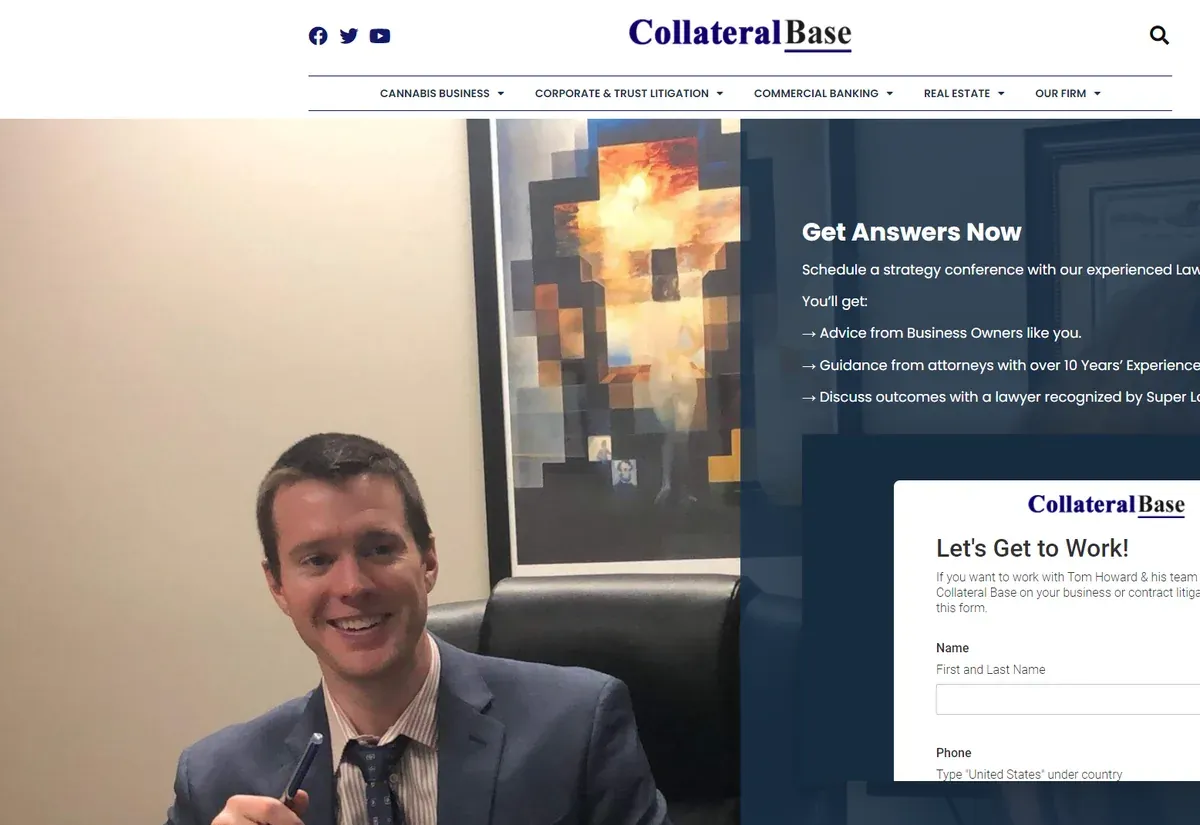
Collateral Base website Law firms Collateral Base
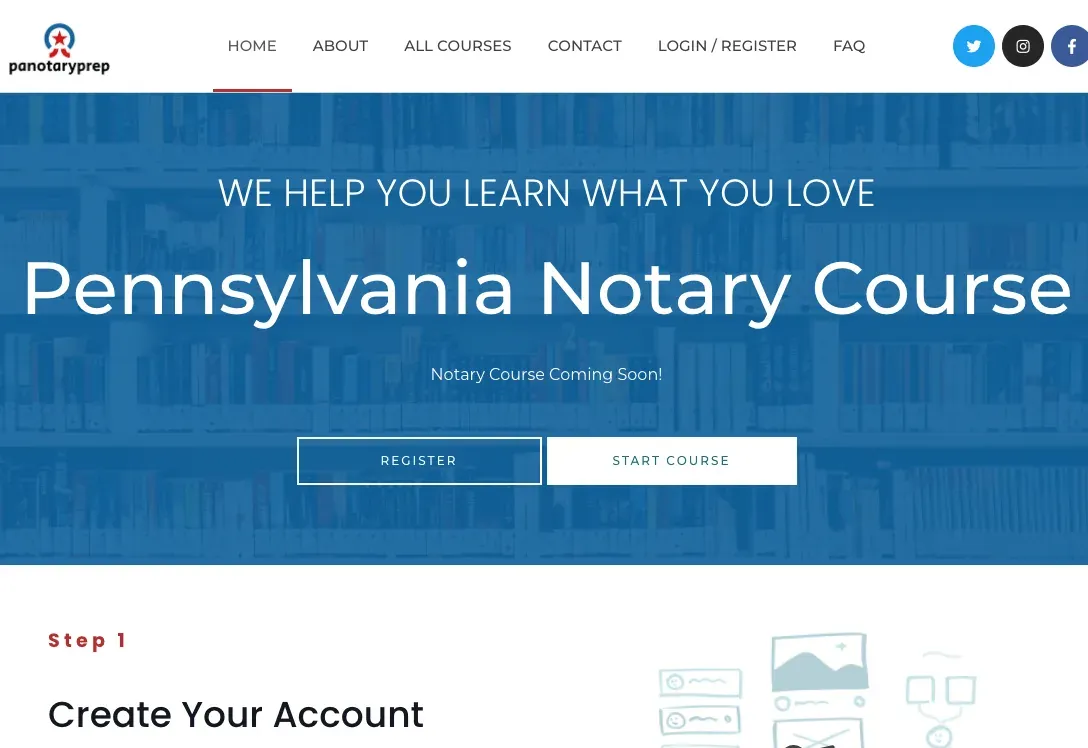
Pennsylvania Notary website Law firms Pennsylvania Notary
Knowledge Cannabis Industry Lawyer website Law firms Knowledge Cannabis Industry Lawyer
FAQ

Questions partners and practice managers ask

Can inquiries go straight into our practice management or CRM system?
Yes, when the system offers an API or accepts webhooks, which most current products do. A submitted form can create the contact, open a matter or lead and assign a follow-up task. If your software has no integration route, we send a structured notification or a secure export your staff can import.
How do you protect what people type into our forms?
We limit who can read entries, keep case details out of notification emails, encrypt sensitive fields where you ask for it and delete old submissions on a schedule you set. The site runs over HTTPS with restricted admin access. You receive a short document describing where inquiry data lives.
Do you write the legal content for us?
No. Your lawyers or your copywriter supply the substance, because they carry the professional responsibility for it. We provide page templates, an outline of the questions each page should answer, and an approval workflow so drafts move from author to partner sign-off without email chains.
Can you add required disclaimers and advertising notices?
Yes. We build disclaimers, acknowledgment checkboxes, advertising labels and jurisdiction notices as editable settings. We do not advise on which rules apply to your firm. Your compliance contact tells us what is needed, and we implement and test it on every template and form.
We run notary or continuing-education courses. Can those live on the same site?
They can, and it often makes sense. The course area uses an LMS plugin with its own catalog, checkout, certificates and learner accounts, while sharing branding and editors with the main site. For a large catalog or a separate brand we usually suggest its own site on the same hosting.
Will our current rankings survive a rebuild?
Protecting them is part of the plan. We crawl the existing site, keep URLs that perform, redirect every changed address and carry over titles and content that already rank. After launch we watch Google Search Console for errors. No one can guarantee positions, and we do not.
Who maintains the site after launch?
Whoever you prefer. Your staff can publish and edit without us. For updates, backups and security patches you can take a monthly maintenance plan with us or hand the site to your own IT provider, since the code and all accounts belong to you.
Start a project

Tell us about your practice

Share your practice areas, where inquiries come from today and what you would like the site to do. We reply within one business day, and an NDA is available before any details are exchanged.

  • Free consultation and quote
  • NDA on request
  • You own the source code
  • Reply within one business day
Add budget and timeline optional, helps us quote faster

This form is protected by reCAPTCHA and the Google Privacy Policy and Terms of Service apply.