eLearning solutions

eLearning platform development matched to how you teach and sell

Course businesses, corporate academies and certification bodies need different platforms. We help you pick between a WordPress LMS, Moodle and a custom build, then deliver it with our own developers.

  • 300+ LMS projects behind us
  • WordPress, Moodle and custom
  • We run our own LMS product
What is included
  • Course and program structure
  • Standards-based content
  • Assessments and certificates
  • Selling and granting access
  • Reporting for every audience
  • Learning on mobile
Get a free quote Reply within one business day. NDA on request.
The problem

Decisions that stall an eLearning launch

Most people who contact us about an eLearning platform already know what they want to launch: a paid course catalog, an academy for staff or customers, or an exam and certificate program. What they do not know is whether that means a WordPress LMS plugin, Moodle, a hosted course tool or software written from scratch. Vendors tend to answer with whatever they happen to sell.

We work on all of those, so the advice can follow the model. Who are the learners and who pays for them? Does content arrive as SCORM packages from an authoring tool, or as video and text your team writes in the browser? Who needs to see results? Those answers point to a WordPress LMS, to Moodle or to a custom platform, and we will tell you plainly when a hosted tool is enough.

  • Three vendors, three different platforms

    One agency says WordPress, another says Moodle, a third proposes a custom build. Each proposal sounds sensible, and none of them explains what your business model actually requires, so you cannot compare them.

  • The hosted course tool has run out of room

    A hosted course platform got you to your first sales. Now you need company accounts with seats, your own checkout rules, a second language or an export of learner data, and your plan does not offer it.

  • Content and records live in different places

    SCORM packages sit in one system, videos in another, exam results in a spreadsheet and certificates in a design tool. Nobody can answer a simple question such as who is certified today.

  • Reports were promised before they existed

    Sales has told a corporate customer they will see progress by department and receive a monthly completion file. The platform shows a list of users and a percentage, and the first report is due next month.

What we do

The building blocks of a learning platform

Whichever platform we recommend, a learning business needs the same six parts working together. These are the ones we deliver.

Course and program structure

Catalogs, learning paths, cohorts and prerequisites modeled on how you teach, including drip schedules, enrollment windows and a separate space for each client company or department.

Standards-based content

SCORM and xAPI packages from authoring tools such as Articulate Storyline or Adobe Captivate played and tracked correctly, next to native lessons, video, H5P activities and live sessions.

Assessments and certificates

Question banks, timed exams, assignments with manual grading, pass rules and retake limits, then certificates with verification pages, expiry dates and renewal reminders.

Selling and granting access

Single purchases, subscriptions, bundles, coupons and bulk seats for companies, with enrollment tied to the payment event so access starts and ends when it should.

Reporting for every audience

Progress, scores and completion by learner, team, cohort or client, delivered as manager dashboards, scheduled exports and feeds into your HR system, CRM or a learning record store.

Learning on mobile

A responsive learner area first, then a Flutter app or the Moodle app where learners need offline lessons, push reminders or a branded listing in the app stores.

Typical projects

Four platforms we are asked for most

01

A course business selling to the public

A branded catalog, checkout, learner dashboard and email automation on a WordPress LMS, built so your team can publish the next course and run a promotion without a developer.

02

A corporate or customer academy

Training assigned by role, department or client account, with single sign-on, deadlines, manager dashboards and completion data flowing back into the HR or CRM system.

03

A certification and exam program

Eligibility checks, timed exams, graded assignments, certificates that expire and renew, a public register of certificate holders and an audit trail behind every result.

04

A training provider with many client companies

One platform with a branded space per client, seat licenses, client admin accounts, shared and private courses, and usage reports that support your invoicing.

In depth

Choosing the platform and scoping the first release

Start from who pays and who needs the report

Two questions sort most eLearning projects. First, who pays: an individual with a card, a company buying seats, or nobody because the training is internal. Second, who has to see the results: only the learner, a line manager, a client administrator or an awarding body. A catalog sold to individuals with simple progress tracking sits comfortably on a WordPress LMS. Mandatory training for thousands of staff, with cohorts, competencies, detailed grading and audit requirements, is the ground Moodle was built for. A product where learning is one feature among several, or where the access rules are your competitive edge, usually justifies a custom LMS.

What each route costs you later

A hosted course tool is the fastest start and the least flexible finish, because you rent both the features and the data model. A WordPress LMS such as LearnDash or LifterLMS gives you ownership, a large plugin ecosystem and strong marketing pages, at the price of keeping plugins compatible as the site grows. Moodle is open source and deep on courses, grading and roles, but its default interface usually needs design work and its administration needs someone who understands it. A custom build on Laravel fits exactly and has no plugin conflicts, and you fund every feature yourself, including dull ones such as password resets and gradebooks. We build and maintain our own self-hosted LMS product, LMS Advisor, so we know that route from the owner's side too.

Content standards decide more than people expect

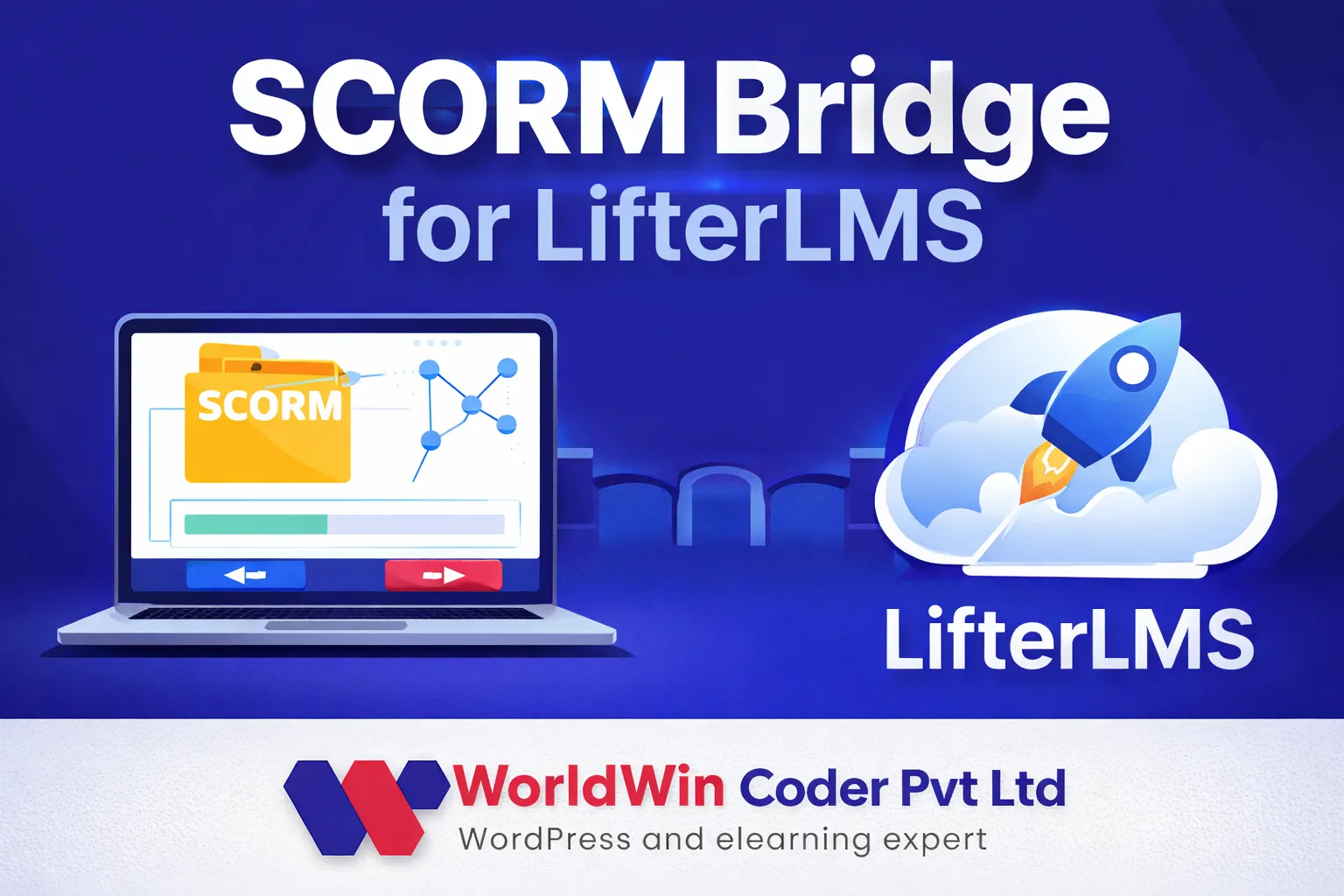
If your courses are authored in a tool that exports SCORM or xAPI, the platform must launch those packages, record completion and score, and resume where the learner stopped. Moodle plays SCORM packages natively. Most WordPress LMS plugins need an add-on or a bridge, and we maintain one of our own for LifterLMS. xAPI statements need a learning record store to land in. Ask early whether you need the detail inside a package (which slide, which answer) or only pass and fail, because that changes the reporting design.

What belongs in the first release

Launch with one complete path instead of every feature half done. A learner can find a course, get access, finish it, be assessed and receive proof, and one administrator can see that it happened. Payments or enrollment rules for your main customer type go in. Gamification, a native app, a second language and advanced reports usually wait for real usage data. We write this path down as the acceptance test before any platform is installed.

When a mobile app is worth it

Field staff with poor connectivity, daily practice products and learners who expect push reminders are good reasons. A catalog people visit twice a month is not. Where an app is justified we build it in Flutter against the platform API, or configure the Moodle app, so progress stays in one place.
Process

From business model to first enrolled learner

  1. 1

    Model the business

    A free consultation where we map learners, payers, content sources and the reports people expect. You leave knowing which answers decide the platform.

  2. 2

    Platform recommendation

    A short written comparison of the realistic routes for your case: what each covers out of the box, what needs custom work and what it takes to run.

  3. 3

    Scope the first release

    We agree the one complete learner path, the integrations it needs and the milestones, and that scope goes into the quote.

  4. 4

    Build and load content

    Design, configuration and custom code on a staging site, with your real courses, SCORM packages and test accounts for learner, manager and admin.

  5. 5

    Pilot, then launch

    A pilot cohort runs through enrollment, assessment and certificates before the public launch. We fix what they find and stay available afterward.

Deliverables

What your learning team ends up with

  • A platform comparison written for your business model
  • One learner path tested from enrollment to certificate
  • Your content, learner records and source code
  • Admin training and a guide for your staff
  • A roadmap for what comes after launch
FAQ

Questions about building an eLearning platform

Should we use a WordPress LMS, Moodle or a custom LMS?
It depends on who pays and who needs reports. Selling courses to individuals with marketing pages and a checkout usually suits a WordPress LMS. Large internal or accredited training with cohorts and detailed grading suits Moodle. A custom LMS makes sense when learning is part of a wider product or your access rules are unusual. You get our recommendation in writing before you commit.
We already use a hosted course platform. When is it time to move?
Move when the limits cost you sales or staff time: no company seat accounts, no control over checkout, weak exports, or fees that grow faster than revenue. If it still does the job, stay. When you do move, we bring across courses, users and progress and redirect the old URLs.
Can the platform play our SCORM or xAPI courses?
Yes. Moodle supports SCORM packages out of the box, and on WordPress we add a tested SCORM or xAPI player to the LMS plugin. We check your actual packages on staging, including resume, completion and score reporting, because export settings in the authoring tool cause most of the surprises.
What is LMS Advisor, and do we have to use it?
LMS Advisor is our own self-hosted learning management system, and no, you never have to use it. We mention it because building and supporting an LMS of our own taught us what a custom platform takes to own. We suggest it only where it fits better than WordPress or Moodle.
Do we need a mobile app at launch?
Usually not. A responsive site covers most learners, and an app adds store review, releases and support. Offline access, push reminders or daily practice are the usual reasons to add one, and it can be built later against the same platform without moving your data.
How long does it take to build an eLearning platform?
It depends on the route and on how ready your content is. A WordPress LMS site with payments is often a matter of weeks, while Moodle rollouts with integrations and custom platforms take months. The quote sets milestones, and content loading is planned as its own task because it is the most common cause of delay.
Who owns the platform and the learner data?
You do. The source code, the database and the hosting account are yours, and we work under an NDA if you ask for one. Owning the records is one of the main reasons teams leave a rented course tool for a platform they control.
Start a project

Describe the academy you want to launch

Tell us who your learners are, how they pay and what you need to report. We reply within one business day with a platform recommendation to discuss and a free quote.

  • Free consultation and quote
  • NDA on request
  • You own the source code
  • Reply within one business day
Add budget and timeline optional, helps us quote faster

This form is protected by reCAPTCHA and the Google Privacy Policy and Terms of Service apply.