WordPress eCommerce

WordPress eCommerce development, starting with the right engine

Physical goods, software licenses and subscriptions each suit a different plugin. We build stores on WooCommerce, Easy Digital Downloads and SureCart, and tell you plainly which one fits before any code is written.

  • 100+ eCommerce projects
  • Three platforms, one team
  • Free consultation and quote
What we cover
  • Choosing the platform
  • Checkout and payment setup
  • Shipping and tax rules
  • Subscriptions and licenses
  • ERP and inventory sync
  • Performance on busy days
Get a free quote Reply within one business day. NDA on request.
The problem

Why store projects go sideways

Most people who ask us for a WordPress store have already been told to "just use WooCommerce". Often that is right. Sometimes it means carrying shipping zones, stock tables and a catalog system built for warehouses when all you sell is a plugin license or a monthly plan.

The three platforms on this page solve different problems. WooCommerce is the general-purpose store for physical goods and mixed catalogs. Easy Digital Downloads is built around files, license keys and software updates. SureCart keeps checkout and subscription billing on a hosted service, so your WordPress site stays light. We work on all three, which means our advice is about your catalog and your team, with no favorite to push.

  • The platform was picked before the catalog

    Someone chose the plugin first and the product model second. Now a digital-only shop carries shipping settings it never uses, or a physical store is bending a download plugin to track stock.

  • Checkout loses buyers

    Too many fields, a forced account, a payment method that fails on mobile or a tax line that appears at the last step. Each one costs orders, and the default checkout rarely matches how your customers buy.

  • Orders are retyped into another system

    Stock lives in an ERP, invoices in accounting software and shipments with a carrier. Without a sync someone copies orders by hand, and oversells happen on the busiest day of the year.

  • The store slows down as orders pile up

    Admin order screens take ages, reports time out and the cart feels sluggish under traffic. Order history, sessions and uncached pages grow quietly until a sale exposes them.

What we do

What we handle on any of the three

Whichever platform you end up on, the same parts of a store need engineering attention. These are the ones we are asked to build or repair most.

Choosing the platform

A short written recommendation based on what you sell, how you bill, where you ship and who runs the store day to day, including the cases where a simpler setup is enough.

Checkout and payment setup

Checkout flows trimmed to the fields you need, with Stripe, PayPal, Razorpay or Authorize.net set up, tested in sandbox and live mode, and wired to refunds and failed-payment handling.

Shipping and tax rules

Zones, rates by weight or destination, carrier rates, pickup options and tax classes configured against real orders, so the total a buyer sees matches what your accountant expects.

Subscriptions and licenses

Recurring plans, renewals, upgrades, dunning emails and license keys for software, with access granted and removed at the moment the billing status changes.

ERP and inventory sync

Orders, stock levels, prices and tracking numbers exchanged with your ERP, accounting or warehouse system through queued API calls that can be retried and audited.

Performance on busy days

Caching rules that respect carts and logged-in customers, leaner product queries, background processing for heavy jobs and order storage that stays quick as history grows.

In depth

Choosing between WooCommerce, EDD and SureCart

Start from what you sell and how you bill

Three questions settle most platform decisions. Does anything get packed and shipped? Is the product a file or a license that needs updates? Is revenue mostly recurring? A catalog with stock, variations, shipping zones and returns points to WooCommerce, because product types, shipping methods and tax tables are part of its core. A software business that sells plugins, themes or documents fits Easy Digital Downloads, where the order, the file and the license key are designed as one flow. A course creator or a small SaaS-style product with a handful of plans can be better served by SureCart, where checkout and subscription billing run on a hosted service and WordPress mostly displays the forms.

What the three have in common

All of them sit inside WordPress, so your content, SEO and user accounts stay in one place. All of them take payments through processors such as Stripe and PayPal instead of storing card data on your server. And all of them can be extended with hooks, a REST API and webhooks, which is where we spend most of our time. The differences are in where data lives and how much you carry. WooCommerce and Easy Digital Downloads keep orders in your own database, which gives full control and full responsibility for speed and backups. SureCart keeps commerce data on its platform, which removes load from your server and limits how deeply you can reshape it.

Where configuration ends and custom work begins

Settings and a few well-chosen extensions cover a standard store. Custom development starts when your business rule is not a checkbox: a checkout step that asks for a tax ID and validates it, prices that depend on the customer group, a payment method your bank provides with only an API document, shipping costs calculated from pallet dimensions, or stock that has to match an ERP within minutes. We put that logic in a separate plugin with its own tests, never in edited platform files, so updates remain routine.

Sync is a queue, never a single request

Integrations fail in predictable ways. The ERP is down for maintenance, a webhook arrives twice, a product is edited on both sides in the same minute. We design every sync as queued jobs with an idempotency key, a retry policy and a log an administrator can read. One system is named the owner of each field (stock in the ERP, descriptions in WordPress), which ends the argument about which number is right.

Plan for the busy day

A store is judged on its heaviest hour. Before launch we load test the cart and checkout, confirm that cached pages never show one customer the cart of another, and move slow work such as emails, exports and stock pushes into background jobs. If you expect large order volumes, that planning includes order storage and database indexes from the first week.

Process

How a store project runs with us

  1. 1

    Catalog and billing review

    We look at your products, pricing, tax position, shipping and the systems a store must talk to, then send a platform recommendation with a scope and a free quote.

  2. 2

    Store design and data model

    Product structure, checkout steps and integration points are agreed on paper and in wireframes before development, so surprises show up early and cheaply.

  3. 3

    Build on a staging site

    Theme, configuration and custom plugins are built on a private copy. You place test orders at each milestone and see them arrive in the connected systems.

  4. 4

    Payment, tax and load testing

    Every payment method, refund path, shipping rule and tax case is run in sandbox mode, followed by a load test on cart and checkout.

  5. 5

    Launch and first orders

    We switch to live keys at a quiet hour, follow the first real orders through to fulfillment and stay available for fixes. Monthly maintenance is optional.

Deliverables

What you receive with the store

  • A written platform recommendation with the reasons behind it
  • A checkout tested with every payment method you accept
  • Integrations that queue, retry and log each exchange
  • Custom logic in separate, documented plugins
  • Source code, repository and admin guide owned by you

Related work from our portfolio

Full portfolio
Stumari website eCommerce Stumari
De-chine website eCommerce De-chine
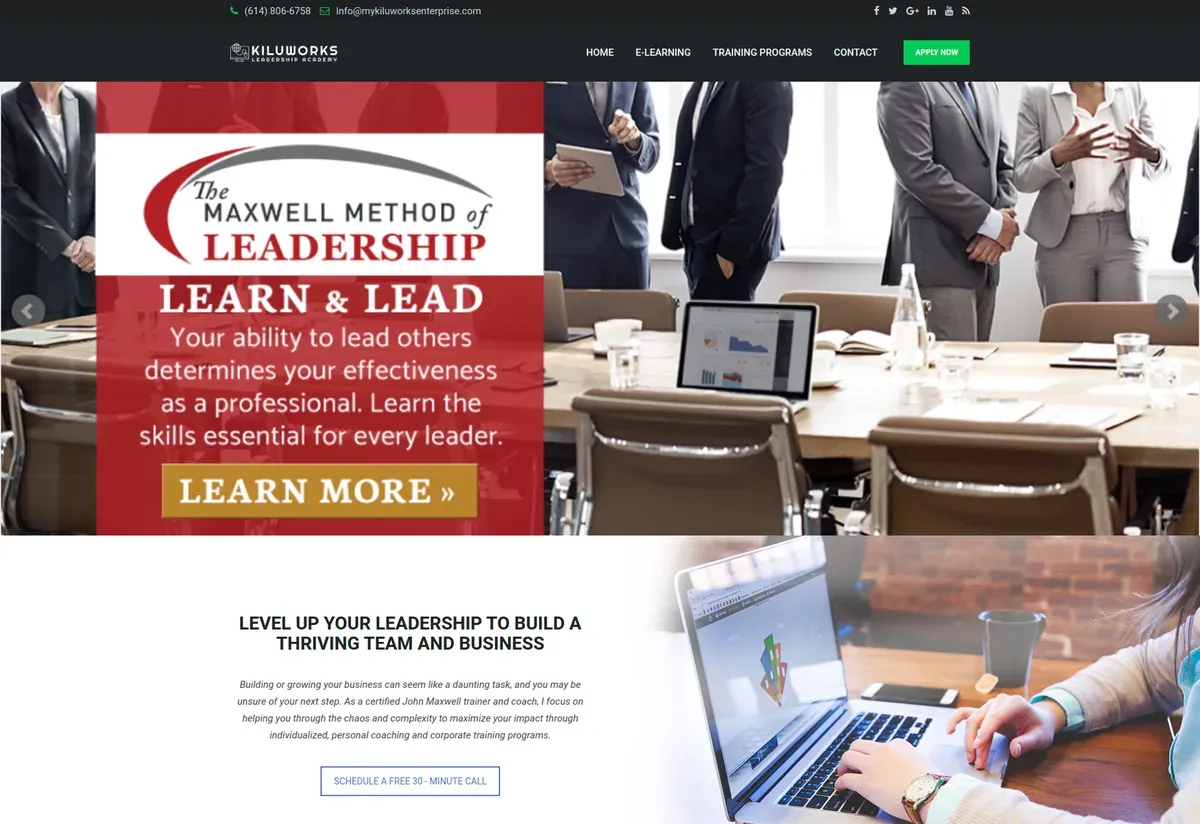
Kilu Works website eCommerce Kilu Works
FAQ

Questions about WordPress eCommerce

Which is better for a WordPress store, WooCommerce or Easy Digital Downloads?
It depends on whether you ship anything. WooCommerce suits physical products, mixed catalogs and stores that need shipping and stock control. Easy Digital Downloads suits software and files, where licensing and download delivery matter more than logistics. We recommend one after seeing your catalog.
When does SureCart make more sense than WooCommerce?
SureCart fits when you sell a small number of digital products, memberships or subscriptions and want a quick, clean checkout without running a large store database. If you need complex shipping, many product variations or deep ERP integration, WooCommerce is the safer choice.
Can you move our store from one platform to another?
Yes. We migrate products, customers, orders, coupons and active subscriptions between these plugins and from hosted platforms. The move is rehearsed on a copy, totals are compared against the source, and old URLs are redirected. Our WordPress migration page covers the process.
Do you connect WordPress stores to ERP or accounting software?
Yes. We build one-way and two-way syncs for orders, stock, prices and shipment tracking using the REST APIs on both sides, with queued jobs, retries and an error log your team can check without calling a developer.
Can a WordPress store handle a large catalog and heavy traffic?
Yes, with the right setup. Hosting sized for the load, object caching, order storage in dedicated tables, background jobs and careful extension choices matter more than the platform name. We profile the store first and fix the slowest parts before suggesting bigger servers.
What decides the cost of a WordPress eCommerce project?
Scope decides it: the number of product types, custom checkout rules, payment methods, integrations and data to migrate. A standard store on a prepared theme costs far less than one with ERP sync and custom pricing. You get a fixed scope with milestones after a free consultation.
Start a project

Not sure which store platform fits?

Tell us what you sell and how you bill. We will reply within one business day with a platform recommendation and a free quote, with no obligation to go further.

  • Free consultation and quote
  • NDA on request
  • You own the source code
  • Reply within one business day
Add budget and timeline optional, helps us quote faster

This form is protected by reCAPTCHA and the Google Privacy Policy and Terms of Service apply.