Choosing the right connection for each system
Identity comes first
Every other integration depends on Moodle and the outside system agreeing on who a person is. So we start by fixing the identifier, usually an employee or student number stored in the username or ID number field, and never an email address that changes when someone marries or moves domain. SAML is the usual choice with a corporate or campus identity provider, OAuth 2 suits Google or Microsoft accounts, and LDAP still fits on-premise directories. With any of them we decide what happens on first login, which fields the identity provider overwrites, and how a leaver is suspended.
Push, pull or file
For users and enrolments there are three workable patterns. The outside system pushes changes through web services as they happen. Moodle pulls on a schedule from an external database or directory. Or a file is dropped and processed by a scheduled task. Push is fastest and needs a capable source system. Pull is simple and tolerant of downtime. Files are the fallback when the vendor offers nothing else. We pick per system, and we make every sync idempotent, meaning it can run twice without creating duplicates. When push is chosen, the endpoints are built as described on our Moodle API development page.
LTI in both directions
LTI is the standard for plugging learning tools into each other. As a consumer, Moodle launches an external tool (a lab simulator, a proctoring service, a publisher's content) with the learner already identified, and receives a grade back. As a provider, Moodle can publish a course or a single activity so that another LMS launches it. We use the current generation of LTI where the other side supports it, because its security model and grade services are stronger than the older key-and-secret launch.
Selling courses outside Moodle
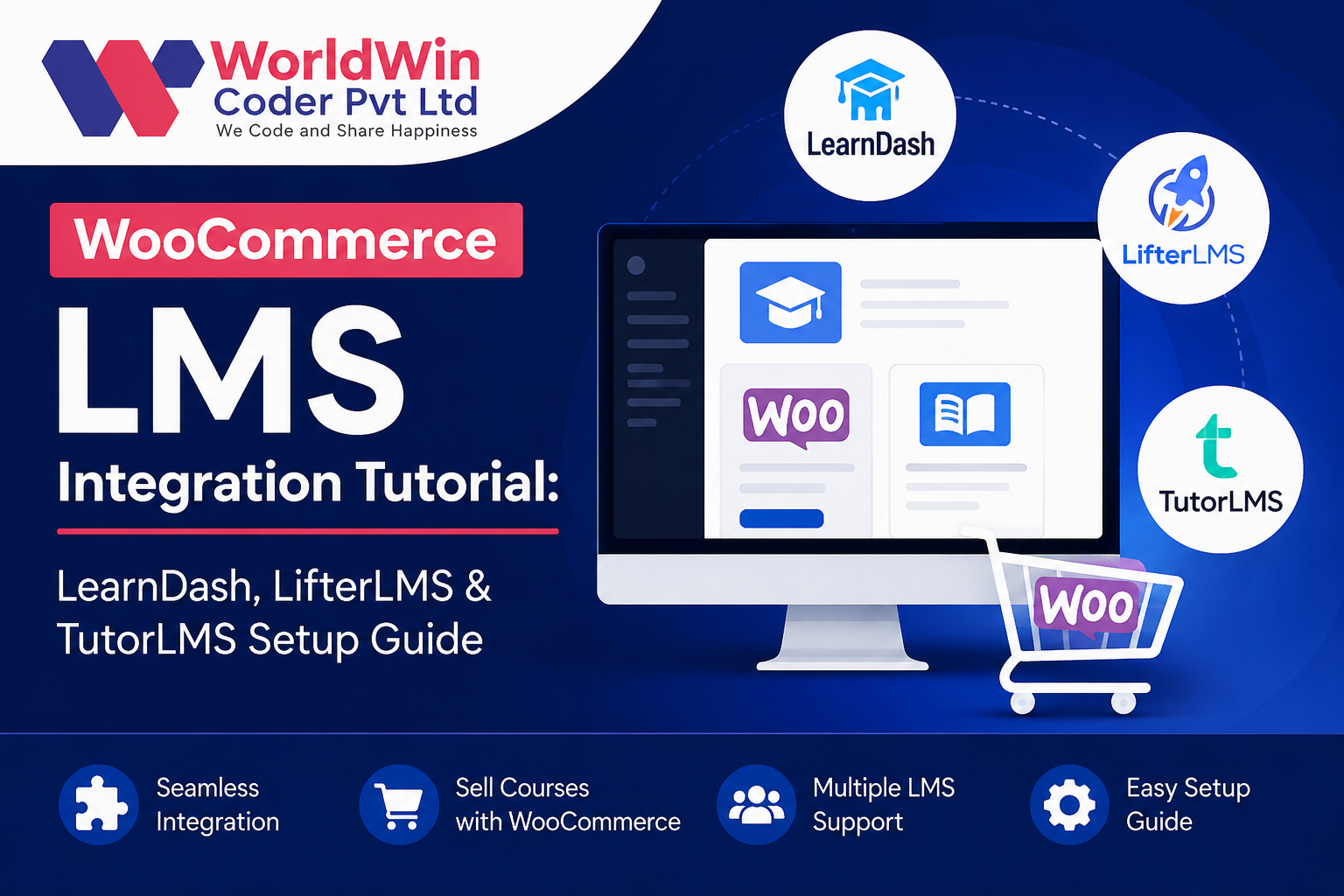
Moodle has a payment subsystem and an enrolment-on-payment method, which is enough for a simple price per course. Catalog pages, coupons, bundles, taxes, subscriptions and company purchases are a store's job. In those cases we put WooCommerce in front and let orders drive Moodle through web services, with shared sign-on so the buyer is not asked to log in twice. The awkward cases need deciding up front: refunds, expired subscriptions, and a manager buying twenty seats for people who do not have accounts yet.
Content and reporting
SCORM packages track through the SCORM activity, H5P through its own activity and content bank, and xAPI statements can be sent to a learning record store with a logstore plugin. Most "tracking is broken" tickets come down to a package setting, a pop-up window or a completion condition. For BI we avoid pointing report tools at the live database. A scheduled extract or a read replica keeps heavy queries away from learners.