Coaching & Training

Website development for coaches and training providers

We build the platform behind your programs: checkout, course delivery, group cohorts, session booking and the emails that go out at each step, on a site you own.

  • In the LifterLMS Experts directory
  • Courses, cohorts and memberships
  • A platform you own
What is included
  • Course and program sales
  • Memberships
  • Cohort and group programs
  • Session booking
  • Community
  • Certificates and email automation
Get a free quote Reply within one business day. NDA on request.
The problem

What holds back a growing coaching business

Most coaching businesses grow the same way. First a calendar link and a payment button. Then a recorded course on a hosted platform, a community in a chat app, a membership somewhere else and a spreadsheet to remember who bought what. Each tool is fine alone. Together they mean five logins for your client and an evening of manual admin for you after every launch.

We pull that into one site. Courses and programs run on a WordPress LMS, usually LifterLMS or LearnDash, with membership levels controlling who sees what. Booking, community and email automation plug into the same accounts, so a purchase can enroll someone, add them to the right cohort, open the group space and start the welcome sequence without you touching anything. We are listed in the official LifterLMS Experts directory and have delivered more than 300 LMS projects.

  • Tools that do not know about each other

    Checkout, course platform, community, calendar and email list each hold a different version of your client list. Giving or removing access means updating several of them by hand.

  • Cohorts run on spreadsheets

    A group program has a start date, weekly calls, homework and a closing date. Hosted course tools are built for self-paced content, so the cohort calendar lives in a sheet and reminders are sent manually.

  • Launch week is fragile

    The cart opens, traffic arrives in a few hours, and a broken coupon or a slow checkout costs sales you spent a month warming up. There is no time to debug with customers waiting.

  • Payment plans fail quietly

    A card declines on the third installment and nobody notices. The client keeps full access, or loses it without warning and writes an angry email.

What we do

What we set up for coaches and trainers

We connect selling, delivery and follow-up so one purchase sets everything else in motion.

Course and program sales

Sales pages, order bumps, coupons, payment plans and bundles, with access granted the moment payment clears and removed correctly after a refund or a missed installment.

Memberships

Monthly or annual plans with tiered content, a library that grows over time, upgrade and downgrade paths, pause options and a self-service billing page.

Cohort and group programs

Fixed start dates, lessons released against the cohort calendar, live call schedules, assignment hand-ins with feedback and a private space for each intake.

Session booking

One-to-one and group sessions booked against your calendar, included in a package or paid separately, with session credits that count down and time zones handled.

Community

Member profiles, discussion groups, direct messages and activity feeds on your own domain, tied to course and membership access so the right people are in each room.

Certificates and email automation

Certificates issued on completion, and tags sent to your email platform for every purchase, lesson milestone and lapse so follow-up sequences run themselves.

Typical projects

Programs we help deliver

01

Leaving a hosted course platform

Courses, students and progress moved to your own site, with logins preserved where possible, old lesson links redirected and a plan for active subscriptions agreed before the switch.

02

A signature group program

An application or checkout page, cohort enrollment, a weekly release schedule, call replays, homework review and a graduation certificate, repeatable for each new intake.

03

A training company catalog

Public workshops with dates and seat limits, on-demand courses, corporate bookings with invoices, attendance records and certificates trainers can issue after a live day.

04

A coach certification program

Multi-level training with prerequisites, practical assessments reviewed by a mentor, logged practice hours, a public directory of certified coaches and annual renewal.

In depth

How program businesses differ from schools

Access is the product you are selling

A school enrolls a student once a term. A coaching business grants and removes access all the time: a payment plan starts, a membership lapses, a client upgrades from a course to a mastermind, a bonus opens for early buyers only. We begin by listing every offer you sell and what each one should open, for how long and what ends it. That table drives the build. It also exposes conflicts early, such as a member who bought a course outright and should keep it after canceling the membership.

Self-paced and cohort delivery need different machinery

Evergreen courses release content relative to the purchase date. Cohorts release it on calendar dates, for everyone at once, and then close. LMS plugins handle the first case out of the box and the second with some help. We set up a group or membership per intake, schedule lessons against the cohort start date, attach the live call calendar and replays, and archive the cohort space when the program ends. Opening the next intake becomes a matter of cloning the setup and changing dates, not rebuilding it.

Launches are short, sharp traffic peaks

An open-cart week or a webinar replay can send a large part of your yearly traffic through checkout in a few days. Before a launch we test the whole purchase path with test-mode cards, including coupons, payment plans, tax and the upsell. We check that sales pages are cached, that checkout is not, and that enrollment and email tagging run in a background queue so a slow email API cannot hold up an order. Then we agree a freeze: no plugin updates until the cart closes.

Failed payments and refunds are part of the design

Installment plans and subscriptions will see declined cards. We set the retry schedule, the reminder emails and the grace period with you, and decide whether access pauses or continues during it. Refunds, chargebacks and cancellations each get a defined effect on course access, community membership and email tags. Getting this right once saves a steady drip of awkward support conversations.

Own the audience, rent the utilities

We keep your client list, content and purchase history on your site, and use outside services for what they do best: Stripe for payments, Zoom for calls, an email platform for sequences. When the community matters to the program, we build it on your domain with our WordPress community stack so it is searchable, branded and yours.
Process

The path from scattered tools to one site

  1. 1

    Offer and tool inventory

    We list what you sell, the tools you use and what breaks between them. You get a recommended setup and a free quote.

  2. 2

    Access table and automation map

    Every offer is mapped to the content, community spaces and email tags it should trigger, including what happens on a refund or a failed payment.

  3. 3

    Build and migrate on staging

    The site, courses and automations are built privately. Existing students and content are imported and checked against your old platform.

  4. 4

    Test purchase paths

    We buy every product as a test customer, on a phone and a laptop, and follow each order through enrollment, emails and community access.

  5. 5

    Switch over and support a launch

    Students are moved with clear instructions, old links are redirected and we stay available through your first launch on the new site.

Deliverables

What you have when we finish

  • One login for courses, community, bookings and billing
  • An access table covering every offer you sell
  • Cohort setups you can clone for each new intake
  • Payment retries and reminders that run on their own
  • Content, client list and code that belong to you

Projects in this sector

Full portfolio
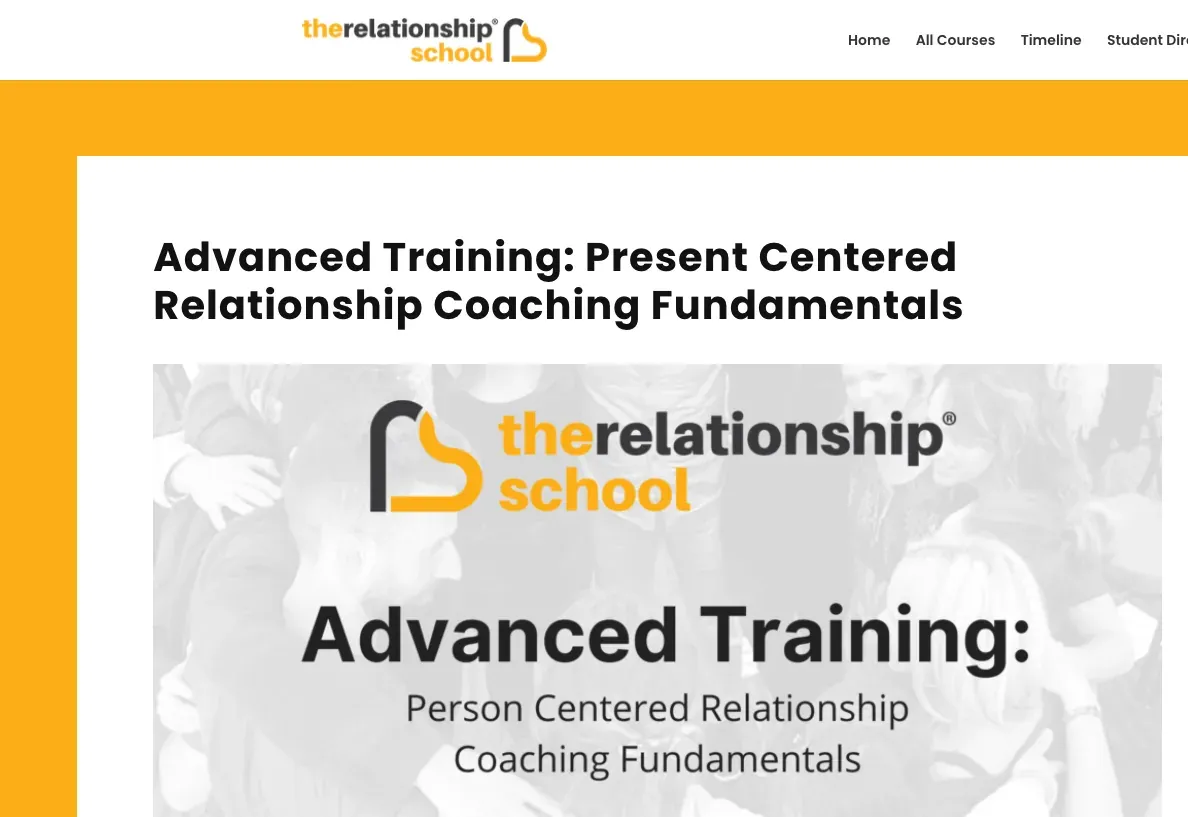
The Relationship School website eLearning & LMS The Relationship School
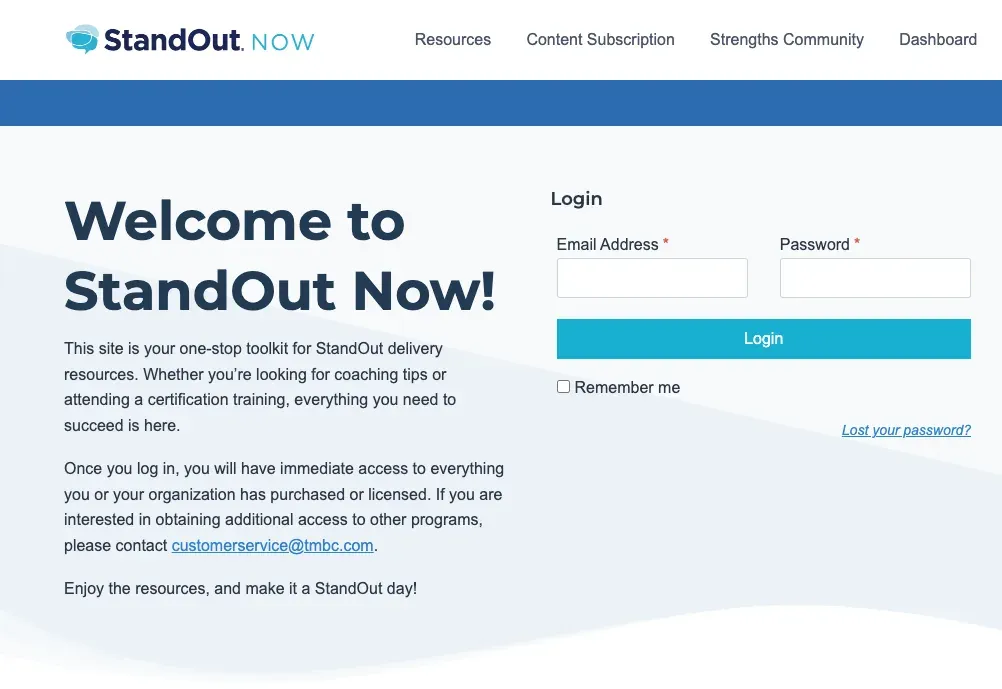
Strengths Coaching Now website Business websites Strengths Coaching Now
FAQ

Questions coaches and trainers ask

Should I move off my hosted course platform to my own site?
Move when the platform stops you doing something you need, such as cohort scheduling, a custom checkout, a proper community or integration with your other tools. If a hosted service covers everything and you have no development needs, staying put is reasonable. We will tell you honestly which side of that line you are on.
Can one site handle courses, a membership and one-to-one coaching together?
Yes, and that combination is the most common thing we are asked for in this field. A single account holds the client's courses, membership level, session credits and community access. How those offers interact is set out in an access table before development starts. See membership and subscription sites for more.
How do cohort programs work on WordPress?
Each intake gets its own group with a start date. Lessons are released on a schedule tied to that date, live calls and replays are attached to the group, and members of one cohort see only their own discussion space. When the program ends, the group is archived and the next one is created from a template.
Will my email platform connect to the site?
Almost certainly. Most email and CRM tools used by coaches offer an API or a WordPress integration. We send tags or events for purchases, lesson completions, inactivity and cancellations, and you build sequences on top. If your tool lacks a ready-made integration, we connect it through webhooks.
What happens when a client misses a payment-plan installment?
Whatever you decide in advance. A typical setup retries the card over several days, emails the client a link to update their details, keeps access during a grace period and pauses it afterwards. Access returns automatically once the payment succeeds, with no manual step for you.
Can I update courses and pages myself afterwards?
Yes. You get admin training and a short guide covering the tasks you will repeat: adding a lesson, opening a cohort, creating a coupon, issuing a refund. For bigger changes you can come back to us for a quote or keep a developer on a part-time basis.
Start a project

Tell us what you sell and how you deliver it

List your programs, the tools you use today and when your next launch is planned. We will reply within one business day with a suggested setup and a free quote.

  • Free consultation and quote
  • NDA on request
  • You own the source code
  • Reply within one business day
Add budget and timeline optional, helps us quote faster

This form is protected by reCAPTCHA and the Google Privacy Policy and Terms of Service apply.