
SCORM Bridge for LifterLMS
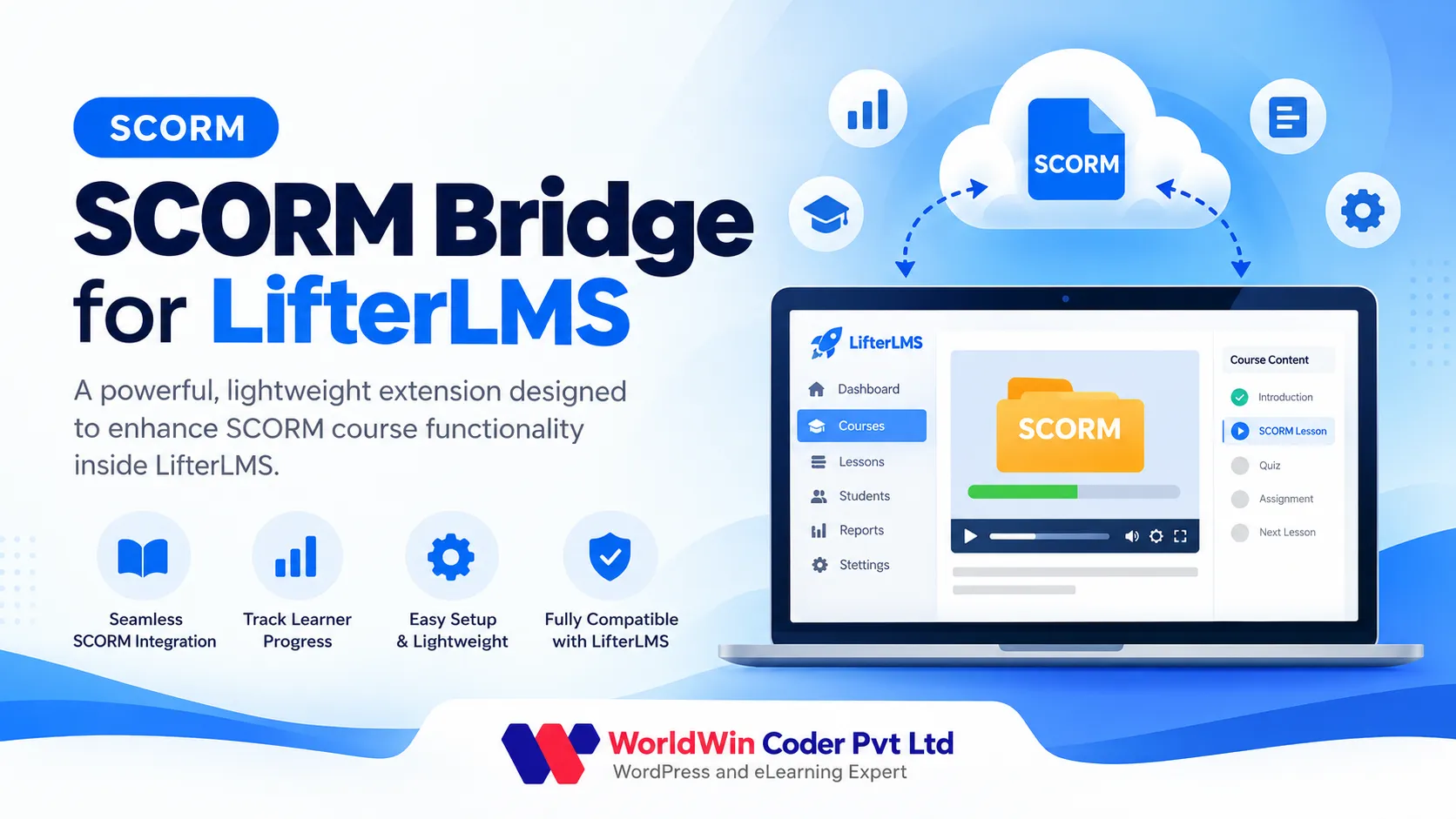
SCORM Bridge for LifterLMS is a powerful, lightweight extension designed to enhance SCORM course functionality inside LifterLMS.
What it does
- SCORM 1.2 and SCORM 2004 packages
- Drag-and-drop zip upload, manifest read automatically
- Attach a package to any LifterLMS lesson
- Auto-complete the lesson when the learner finishes
- Pass mark: complete only above a set score
- Every attempt tracked: status, score, time spent
- Answers to each question recorded
- Reports with filters and CSV export
- Player with fullscreen, status and score
- Limit attempts or allow unlimited retakes
- Shortcode to place a package anywhere
Bring Your SCORM Courses into LifterLMS
You already have courses built in Articulate Storyline, Rise, Adobe Captivate, iSpring, or another authoring tool. SCORM Bridge for LifterLMS lets you use them as they are: upload the SCORM ZIP, select it on a lesson, and learners take it right inside your LifterLMS course. No rebuilding content and no separate LMS required.
How It Works
- Upload the SCORM package (.zip) under SCORM Bridge > Packages. The plugin reads the imsmanifest.xml file and automatically detects the version and launch page.
- Edit a LifterLMS lesson and select the package in the SCORM Package box.
- Save the lesson. The SCORM player appears with fullscreen support, a status badge, and the learner's score.
Tracking You Can Act On
The plugin includes a full SCORM runtime, allowing course content to communicate with WordPress just as it would with a traditional LMS. Every attempt is stored with its status, score, and time spent, along with the learner's answers to individual questions.
When a package reports completion, the LifterLMS lesson is automatically marked complete. Configure a passing score so lessons are completed only when learners achieve the required minimum score, either globally or individually for each lesson.
The Reports page displays attempts and results for every learner and package. Filter reports, open individual attempts to inspect the values reported by the course, and export the data to CSV for your records or clients.
Control Over Attempts
Allow unlimited retakes or set a maximum number of attempts per learner. Need to display a package outside a lesson? Use the following shortcode on any page:
[scorm_package id="1" lesson_id="123"]
License, Updates and Support
Each license key works on one live site; local and staging copies do not count. Enter your key on the plugin's License page, and new versions will appear in Dashboard > Updates like any other WordPress plugin.
Your license keys, downloads, and activated sites are always available in your account. Support comes directly from the WorldWin Coder developers who build and maintain the plugin.