WordPress LMS

LifterLMS development services from listed LifterLMS Experts

Courses, memberships, access plans and engagements, set up and extended by developers who also write add-ons for LifterLMS. You talk to the people doing the work, and the code is yours.

  • In the LifterLMS Experts directory
  • Our own LifterLMS add-on
  • NDA on request
What is included
  • Courses and lessons
  • Memberships and access plans
  • Checkout and gateways
  • Engagements
  • Student dashboard
  • Reporting and add-ons
Get a free quote Reply within one business day. NDA on request.
The problem

What LifterLMS site owners bring to us

LifterLMS appeals to people who want one plugin to run the whole course business: the lessons, the memberships, the checkout and the emails. That is its strength. It also means that when something goes wrong, such as a renewal that did not extend access or a member who can see a course they should not, the cause is somewhere inside a chain of access plans, orders and enrollments that few developers have read end to end.

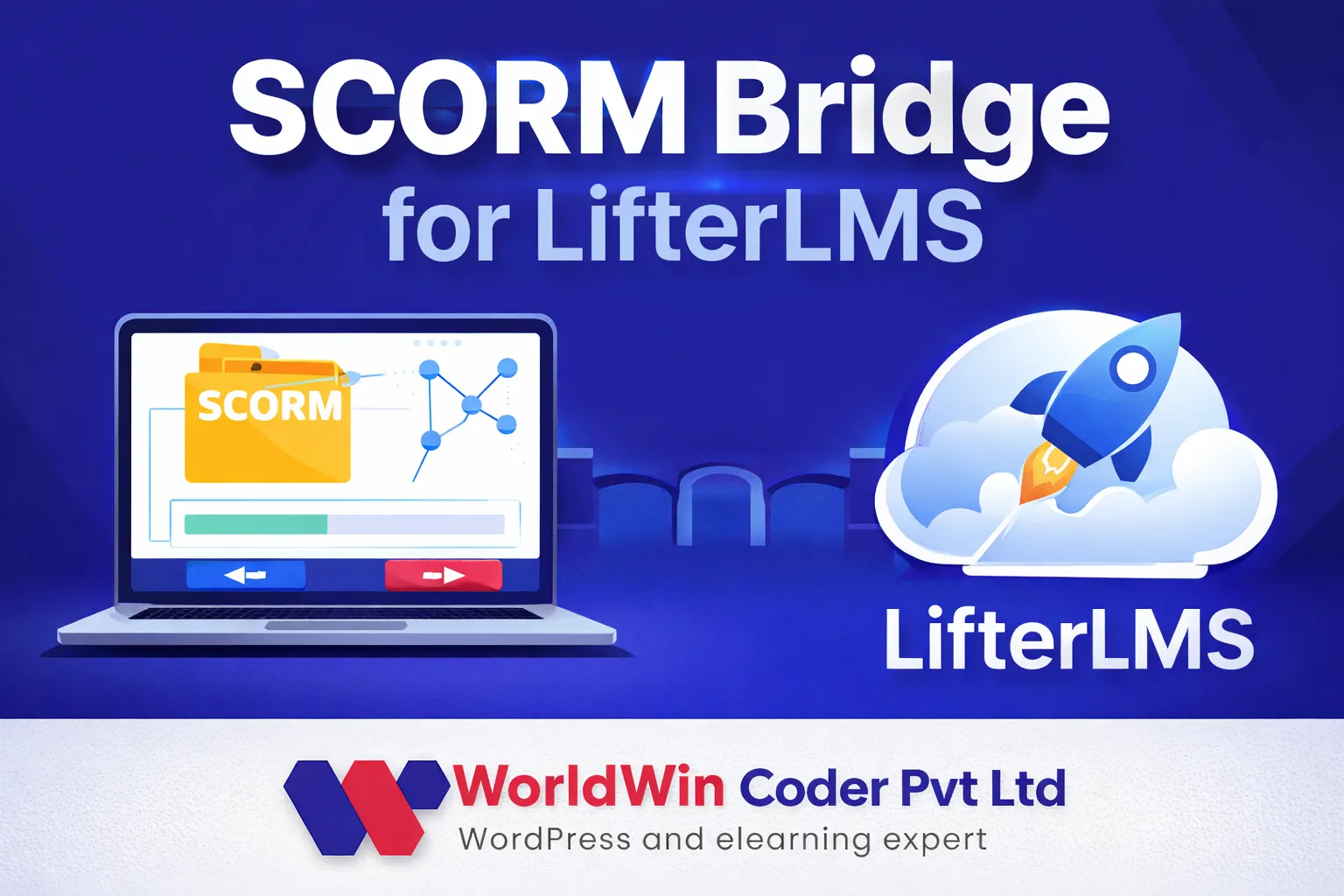
We have. WorldWin Coder is listed in the official LifterLMS Experts directory, and we build and maintain SCORM Bridge for LifterLMS, an add-on of our own. So we know its data model as plugin authors as well as site builders. Clients come to us for new sites, for repairs and for the features LifterLMS does not ship with.

  • Access plans have multiplied

    Every promotion added another plan. Now there are free, one-time, recurring and members-only prices on the same course, and nobody is sure which one a returning student should see.

  • Memberships and courses overlap

    A membership auto-enrolls people into courses that are also sold on their own. When a membership ends, some students keep access they should lose and others lose courses they paid for separately.

  • Recurring payments need watching

    Failed renewals, expired cards and canceled orders leave enrollments in the wrong state. Support finds out when a student complains, not from a report.

  • The add-on you need does not exist

    SCORM packages, a particular payment gateway, a link to your CRM or a report by company sit outside what the core and its official add-ons offer.

What we do

Our LifterLMS work

We cover LifterLMS from first setup to custom add-ons. Most projects touch several of these areas.

Courses and lessons

Course builder structure with sections, lessons and quizzes, plus prerequisites, drip schedules, enrollment periods and course tracks configured to match how the program is taught.

Memberships and access plans

Membership levels, site-wide content restriction and pricing options designed together, so each student has one clear way in and renewals behave as expected.

Checkout and gateways

Stripe, PayPal or another gateway connected and tested for one-time, recurring and trial payments, with coupons and vouchers set up where you use them.

Engagements

Emails, achievements and certificates triggered by enrollment, lesson and course completion, quiz results or purchases, written in your voice and tested with real accounts.

Student dashboard

The account area rearranged around what students need: the current course, grades, certificates, orders and any custom tab your program calls for.

Reporting and add-ons

Custom reports on top of LifterLMS reporting, and add-ons for anything missing, from SCORM content to CRM sync, each kept in a separate plugin.

Typical projects

Where LifterLMS fits well

01

A membership with courses inside

One recurring price that opens a library of courses, with new courses added to the membership automatically and a defined outcome when a member cancels.

02

A coach or expert selling programs

A few high-value courses with payment plans, a private student area, certificates on completion and email follow-ups handled by engagements.

03

Professional training with SCORM content

Packages authored in Storyline or Rise used inside LifterLMS lessons and tracked against the student, with our SCORM Bridge for LifterLMS add-on as the starting point.

04

A move from another LMS plugin

Courses, students, enrollments and progress brought across from LearnDash, Tutor LMS or a hosted platform, and checked against the source before the switch.

In depth

How LifterLMS works under the surface

One plugin, four moving parts

LifterLMS is easier to reason about once you see its parts separately. Courses and memberships are the things people get access to. Access plans are the prices and terms attached to them: free, one-time or recurring, with optional trials, sale periods and expiry. Orders record what a student bought and drive recurring charges. Enrollments record what the student may open right now. Most faults we are called in for sit between two of those parts, for example an order that went on hold while the enrollment stayed active.

What it does well without code

A great deal. The course builder, quizzes, drip and prerequisites cover standard teaching. Memberships can restrict any page or post and enroll members in courses automatically. Engagements send emails and award achievements or certificates when something happens. The student dashboard and the reporting screens for students, courses, quizzes and sales come in the core. For a business selling its own courses directly that is often enough, and we will tell you when it is. If your catalog needs a full cart or physical products, pairing it with WooCommerce is the usual route.

Where custom work starts

The requests are consistent. Content built in authoring tools needs a SCORM or xAPI player with results written back to the lesson. Companies want to buy seats for staff and see their progress. Sales teams want enrollments and completions in the CRM. Assessors want quiz behavior the standard question types do not offer. LifterLMS is built for this kind of extension: it has an integration class, a gateway class, a REST API and hooks at every enrollment and completion event. We use those instead of patching the plugin, and LifterLMS add-on development describes how.

LifterLMS or LearnDash?

We work on both, so we have no reason to push either. LifterLMS tends to win when memberships and direct selling are central and you want checkout, emails and the student area from one vendor. LearnDash tends to win when assessment is demanding or when training is delivered to many client groups with their own leaders. If you already run one of them and it mostly works, staying put and fixing the gaps is nearly always cheaper than switching.

How we keep changes safe

Orders, enrollments and quiz attempts are business records. We do all work on a staging copy, keep custom code in its own plugin or a child theme, and run test purchases through each access plan, including a renewal, a failed payment and a cancellation, before anything goes live. LifterLMS updates are applied on staging first.
Process

Working with us on LifterLMS

  1. 1

    Talk it through

    A free call about your courses, memberships and pricing. If you have a site already, we ask for admin access to look at plans, orders and add-ons.

  2. 2

    Findings and quote

    You get a written summary of what we would build or fix, which official add-ons are worth having and a quote split into milestones.

  3. 3

    Work on staging

    Setup, design and custom code are done on a private copy. You watch progress there and try each part as a student and as an admin.

  4. 4

    Payment and access tests

    Every access plan is bought with test cards, renewed, failed and canceled, and we confirm that enrollment follows each time.

  5. 5

    Go live and look after it

    We deploy, watch the first real orders and stay close for fixes. Monthly maintenance is there if you want updates handled for you.

Deliverables

What you end up with

  • An access plan and membership map in plain language
  • Checkout tested for renewals, failures and cancellations
  • Engagement emails and certificates in your brand
  • Custom features kept outside the LifterLMS core
  • Your code, your repository, your hosting account

Related work from our portfolio

Full portfolio
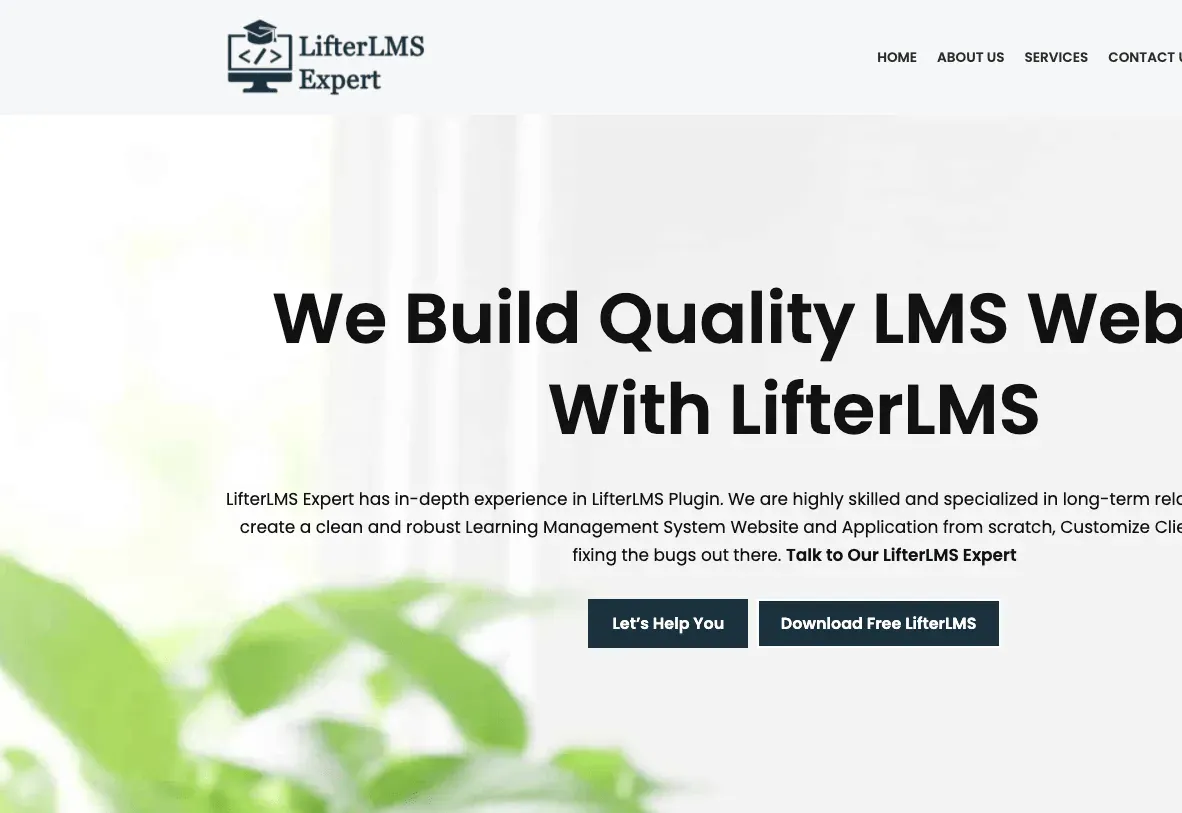
LifterLMS Expert website eLearning & LMS LifterLMS Expert Our LifterLMS services site, built on WordPress.
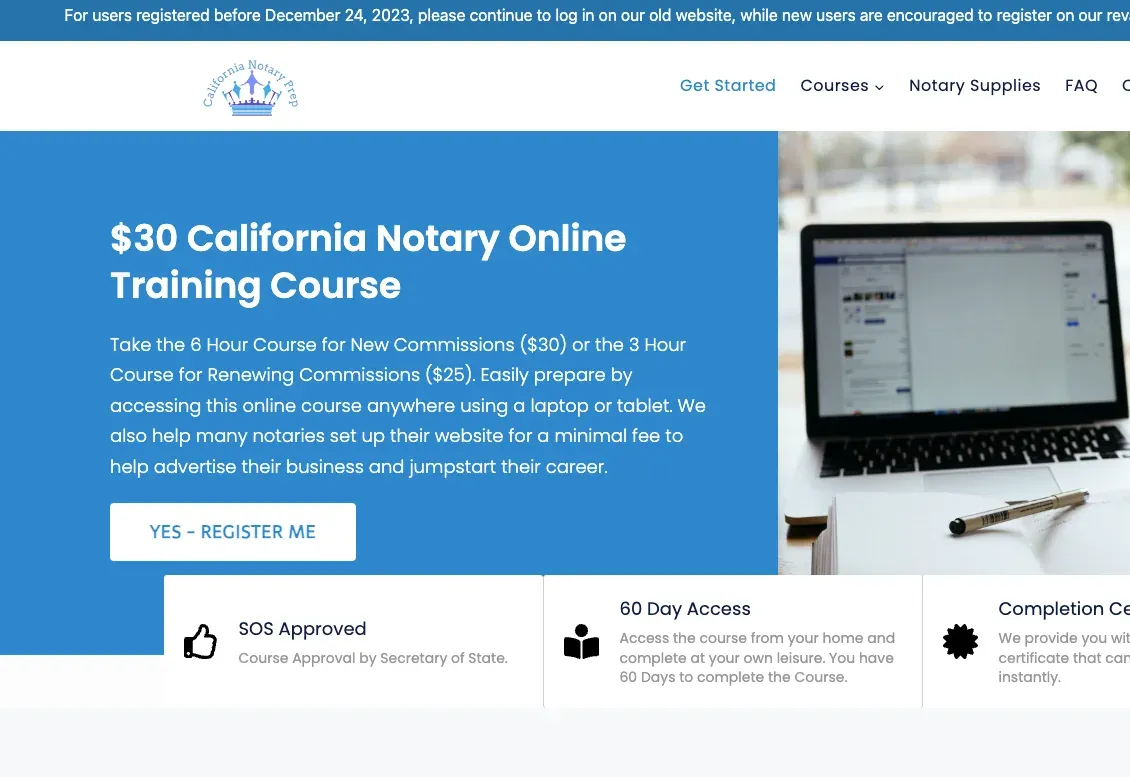
California Notary Prep website eLearning & LMS California Notary Prep Notary exam preparation courses, built on WordPress with LearnDash.
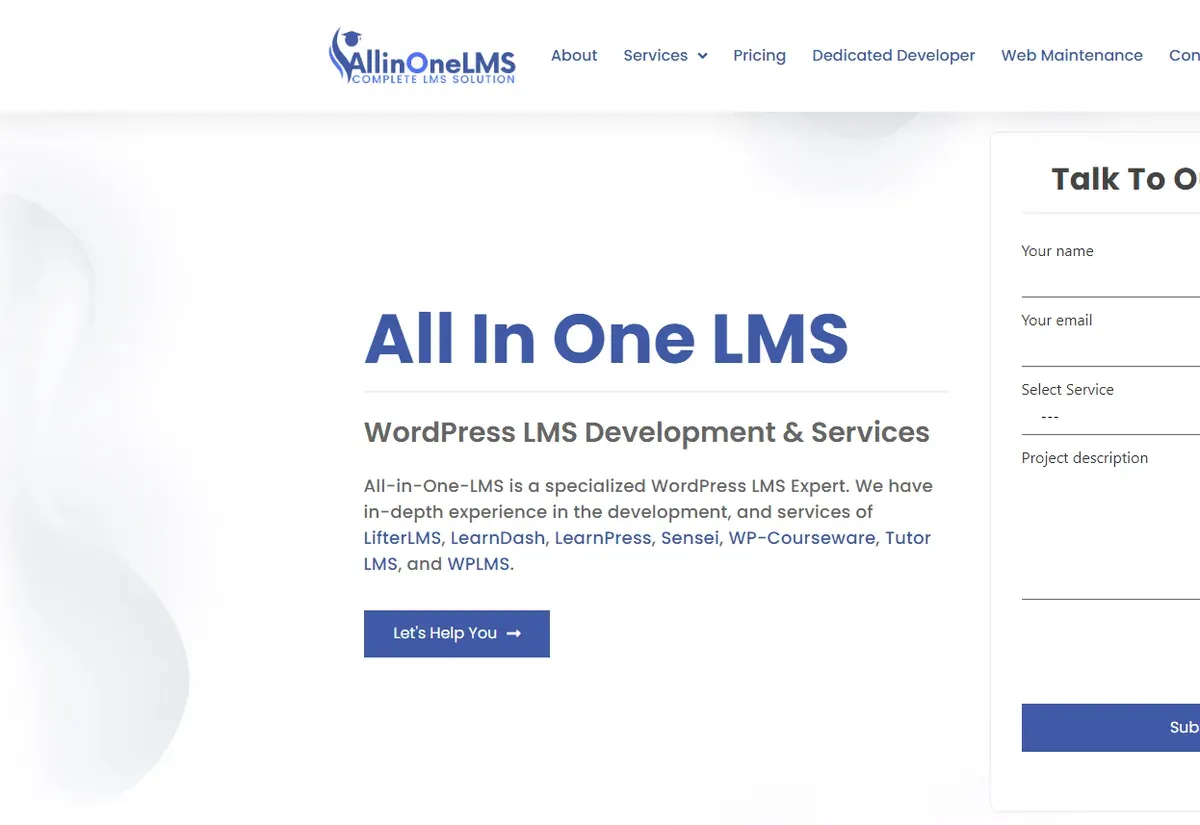
All In One LMS website eLearning & LMS All In One LMS
FAQ

LifterLMS questions from site owners

What does being in the LifterLMS Experts directory mean?
LifterLMS keeps a public directory of agencies and developers who work on its platform, and WorldWin Coder is listed in it. It is a listing, not a certification, and we do not claim otherwise. What it reflects is that LifterLMS projects are regular work for us.
Can you fix a LifterLMS site without rebuilding it?
In most cases, yes. We start by reading the access plans, memberships, orders and custom code, then list what is wrong and what it would take to fix. Rebuilds are rare. More often the job is untangling overlapping plans and moving stray code into a proper plugin.
Which payment gateways can LifterLMS use?
LifterLMS takes payments through gateway add-ons such as Stripe, PayPal and Authorize.Net, and it has a manual payment option for offline sales. If you need a regional gateway that has no add-on, we can write one against the LifterLMS gateway class.
Does LifterLMS support SCORM?
Not in its core. We build and maintain SCORM Bridge for LifterLMS, an add-on of our own that brings SCORM packages into LifterLMS courses. For projects with extra tracking requirements or xAPI statements, we extend from there as custom work.
Can LifterLMS handle company or group purchases?
Yes. The Groups add-on lets an organization hold seats and manage its own members, and vouchers cover simple bulk access. When you need invoices per company, seat reassignment or manager reports beyond that, we build it on top.
Do you offer ongoing LifterLMS support?
Yes. We can look after the site on a monthly maintenance plan, which includes testing LifterLMS and add-on updates on staging before they go live. Or you can hire a LifterLMS developer who works as part of your team.
Start a project

Tell us about your LifterLMS site

A new build, a repair or a feature LifterLMS does not have yet. A developer who works on LifterLMS will reply within one business day with next steps and a free quote.

  • Free consultation and quote
  • NDA on request
  • You own the source code
  • Reply within one business day
Add budget and timeline optional, helps us quote faster

This form is protected by reCAPTCHA and the Google Privacy Policy and Terms of Service apply.