LearnDash

A LearnDash mobile app with your name on it

We design and build a branded Android and iOS app for your existing LearnDash site, connect it to the courses, groups and progress you already have, and take it through store review.

  • 100+ mobile apps delivered
  • One Flutter codebase
  • You own the source code
What is included
  • Native course player
  • Mobile quiz screens
  • Sign-in with WordPress accounts
  • Push notifications
  • Offline lessons with sync
  • Your brand in both stores
Get a free quote Reply within one business day. NDA on request.
The problem

Why learners drift away on mobile

Your LearnDash site works on a phone, but learners still have to find a bookmark, sign in again and pinch their way through a quiz laid out for a desktop screen. You want an icon on their home screen, a reminder when a lesson opens and progress that matches the website to the minute.

We build that app for you. It is a custom Android and iOS app, written in Flutter, that signs in with the same WordPress accounts and reads courses, lessons, topics, quizzes and groups from your LearnDash site. It is not a ready-made product with a fixed feature list. Every build starts from your courses, your audience and your budget, and before we quote we tell you whether a simpler route, such as LearnDash's own app service or a better mobile theme, would serve you as well.

  • Quizzes are awkward on a phone

    Long question pages, tiny radio buttons and a timer that keeps running while the learner zooms in. Scores drop and support emails about failed attempts go up.

  • Nobody comes back without a nudge

    Email reminders land in a promotions tab. Without push notifications for a new lesson, a lesson opening on its drip date or an expiring certificate, learners forget the course they paid for.

  • Our brand disappears on mobile

    Corporate clients and course buyers expect to find you in the App Store and Google Play under your own name, not as a browser shortcut or inside someone else's app.

  • A wrapped website got rejected

    A previous attempt packaged the site in a web view. Store reviewers flagged it as a repackaged website, and even the approved version felt slow and could not work offline.

What we do

What goes into your LearnDash app

Each app is scoped from your LearnDash setup. These are the parts most builds include, and the quote says which ones yours needs.

Native course player

Course outlines, lessons and topics shown as native screens, with video resume, and drip and prerequisite locks applied exactly as LearnDash applies them on the website.

Mobile quiz screens

One question per screen, large tap targets, and the timer and attempt rules taken from your quiz settings. Question types that cannot work well on a phone get a clear fallback.

Sign-in with WordPress accounts

Learners use their existing WordPress login. Tokens sit in the phone's secure keychain, and signing out clears every cached course from the device.

Push notifications

Alerts for new lessons, drip releases, assignment grades and certificates, triggered by LearnDash events through Firebase and Apple push, with learner controls for each type.

Offline lessons with sync

Selected lessons and files downloaded for poor coverage, completions queued on the device and sent to LearnDash in order when the connection returns, without double counting.

Your brand in both stores

App name, icon, splash screen, colors and fonts set per client, published from developer accounts in your organization's name, with listings and privacy forms prepared by us.

Typical projects

LearnDash apps we are asked for

01

Corporate training app for group leaders

Employees see only their group's courses, managers see completion for their team, and push reminders go out before compliance deadlines. Built on LearnDash groups, so HR keeps one source of truth.

02

Course creator app with a paid catalog

Buyers sign in and continue courses bought on the website. In-app sales follow Apple and Google payment rules, so we plan with you which purchases happen in the app and which stay on the web.

03

White-label app for an agency's clients

One codebase, several branded builds. Each client gets its own name, icon and site address built in, and you ship updates to all of them from a single release process.

04

Field staff app with offline modules

Short safety or product modules downloaded at the depot, completed without signal and synced later, with certificates available in the app when an inspector asks on site.

In depth

How a LearnDash app talks to your site

Four routes to LearnDash on a phone

A responsive theme costs least and suits learners who visit occasionally, but it gives you no store listing, no push and no offline use. A progressive web app adds an install prompt and some notifications, with uneven support on iPhones. Packaged app products pair with LearnDash and get you into the stores quickly: LearnDash now runs its own branded app service, and BuddyBoss App is common on community sites. Compare those first. Their screens, pricing and roadmap belong to the vendor, which is fine for many schools. A custom app, which is what we build, makes sense when you need screens, integrations or data flows those products do not offer, or want the code and the release schedule to be yours.

REST API plus a small companion plugin

The app never touches your database directly. It uses the LearnDash REST API for courses, steps, groups and learner progress, and the WordPress REST API for accounts. Where a screen needs data the standard endpoints do not return in one call, such as a home screen with the next lesson, due dates and recent grades, we add a companion plugin on your site that registers its own endpoints under a separate namespace. That plugin also handles token sign-in, push device registration and rate limits. It is versioned with the app, so an old copy on someone's phone keeps working after you update WordPress.

Progress has to match the website

A completion in the app goes through the same LearnDash functions that mark a step complete on the web, so certificates, course points, reports and any CRM or Zapier automations still fire. Offline completions carry a unique event id and a timestamp. When they reach the site, the plugin ignores duplicates and respects drip dates, so a learner cannot open next week's lesson by changing the phone's clock.

Store rules shape the scope

Apple and Google review every release. An app that only wraps a website risks rejection under Apple's minimum functionality rule, which is why we build native screens. Selling digital courses inside the app generally has to go through the stores' own billing and fees, and Apple lets learners open courses bought on your website only under its multiplatform rule, which expects those courses to be offered as in-app purchases too. We settle the payment model before design, because it changes the purchase screens and the reports you will read.

How we test

Every build is tested on real Android and iOS devices against a staging copy of your site, with learner, group leader and admin accounts, online and in airplane mode. We complete a course end to end and compare what LearnDash recorded with what the app showed. After launch, operating system releases and LearnDash updates are checked under mobile app maintenance.
Process

From course audit to store release

  1. 1

    Course and site audit

    We review your LearnDash setup, add-ons, theme and audience, try your courses on phones, and say whether a custom app is the right route at all.

  2. 2

    Screens and API plan

    Designers map the learner and staff screens while developers list the endpoints each screen needs and what the companion plugin must add.

  3. 3

    Build against staging

    The Flutter app and the companion plugin are developed against a copy of your site. You install test builds on your own phone at each milestone.

  4. 4

    Store submission

    We prepare listings, screenshots and privacy declarations, submit from your developer accounts and answer reviewer questions until both stores approve.

  5. 5

    Launch and updates

    We watch crash reports and learner feedback after release, and ship updates when iOS, Android, WordPress or LearnDash change.

Deliverables

What you receive at handover

  • Android and iOS apps listed under your own name
  • Flutter source code in your repository
  • A documented companion plugin for your LearnDash site
  • A written list of what works offline and what needs a connection
  • Store listings, privacy forms and a release checklist you can reuse

Related work from our portfolio

Full portfolio
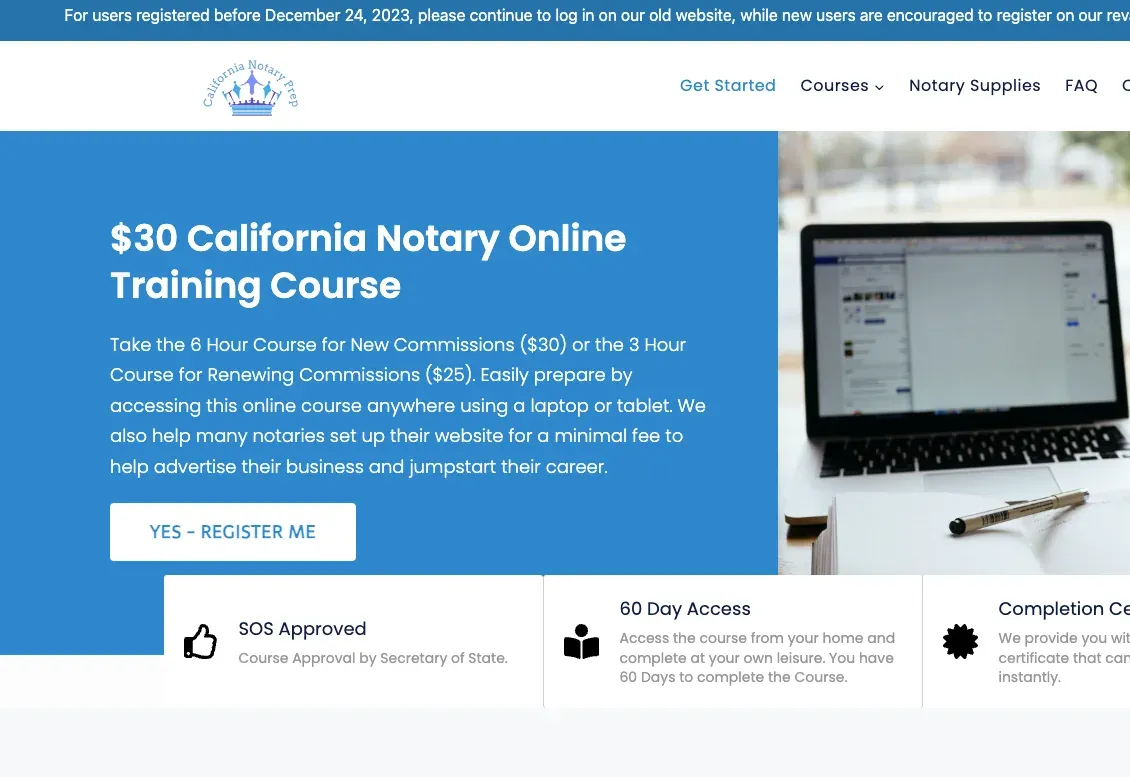
California Notary Prep website eLearning & LMS California Notary Prep Notary exam preparation courses, built on WordPress with LearnDash.
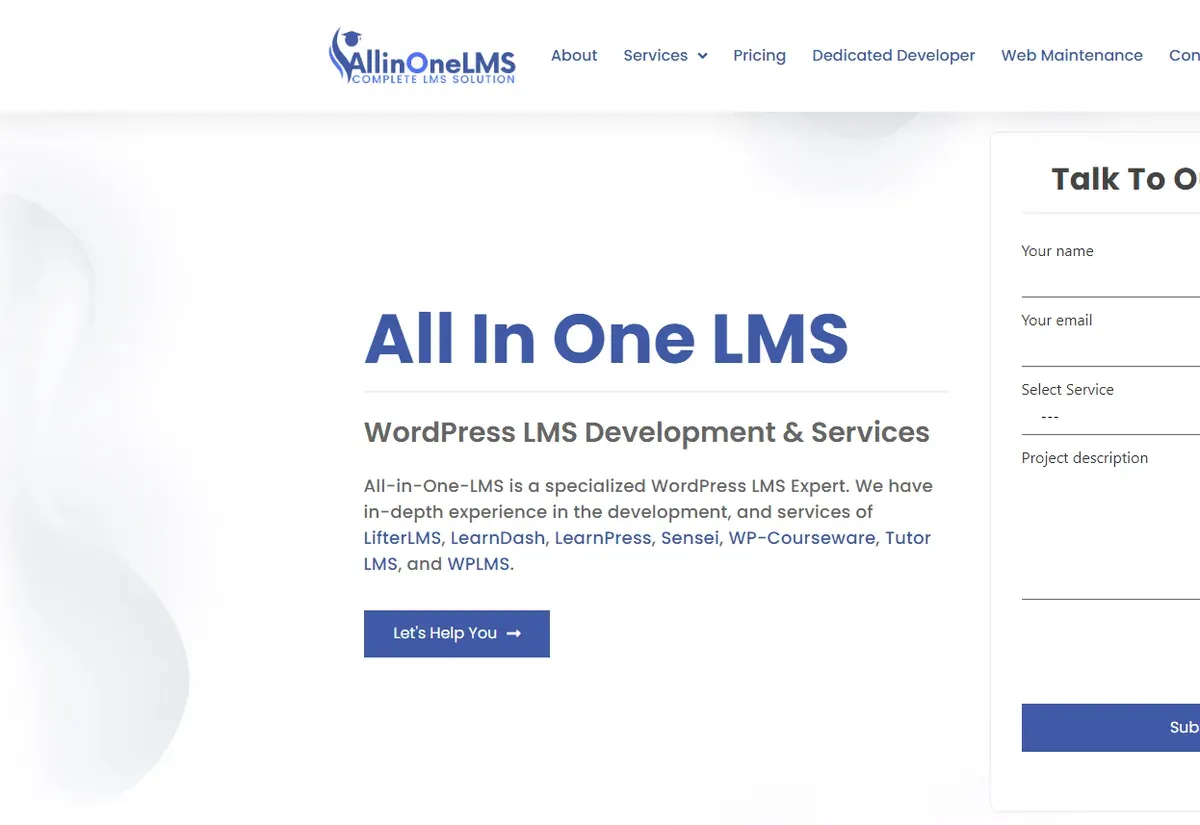
All In One LMS website eLearning & LMS All In One LMS
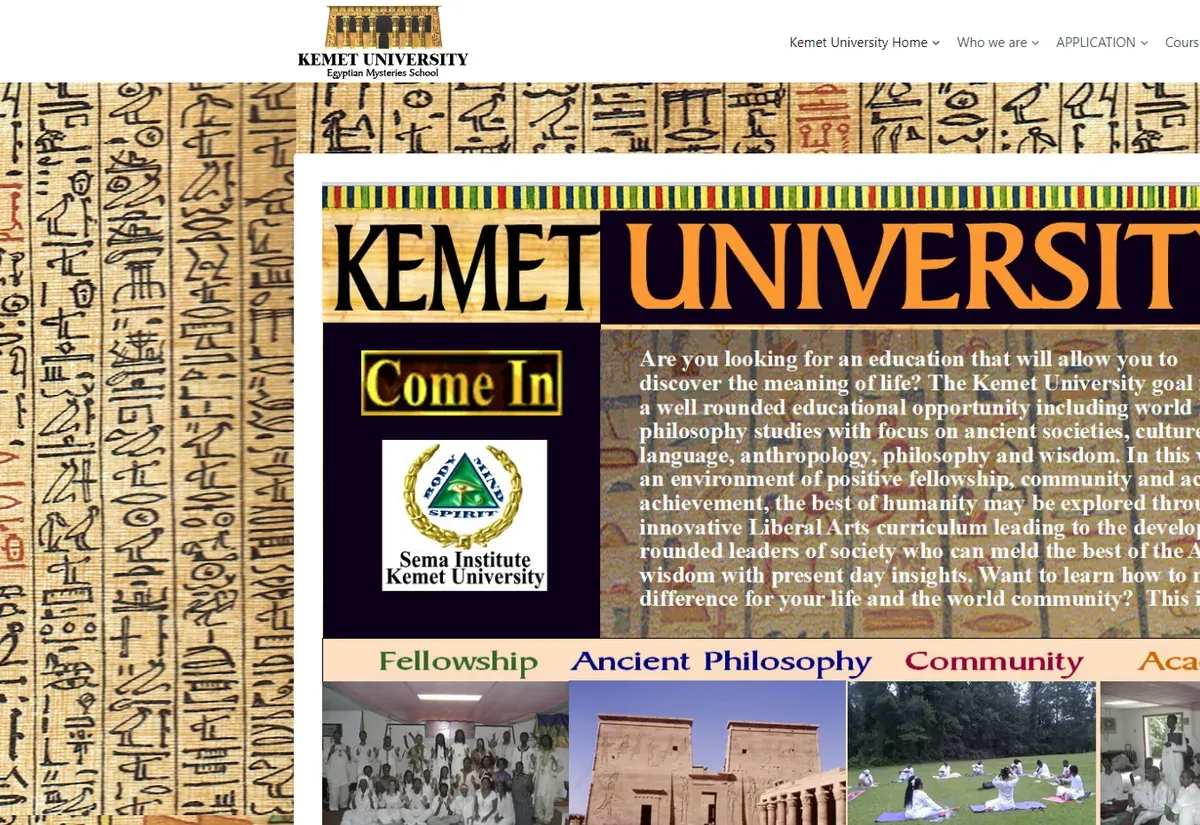
Kemet University website eLearning & LMS Kemet University
FAQ

LearnDash mobile app questions

Does LearnDash already have a mobile app?
Yes. LearnDash offers its own branded app service, and products such as BuddyBoss App also work with LearnDash. If one of them covers your courses and you are happy with its screens and terms, use it. We build a custom app when you need features, integrations or ownership those products do not give you, and we will tell you which case you are in.
How much does a LearnDash mobile app cost?
It depends on the screens, offline needs, payments and how many branded builds you want, so we do not publish a fixed price. After a free consultation we send a written quote with milestones. Budget separately for the Apple and Google developer accounts, which the stores charge for, and for yearly maintenance.
Will progress sync between the app and the website?
Yes. The app marks steps complete through LearnDash itself, so a lesson finished on the phone shows as complete on the website, and the other way round. Certificates, reports and automations tied to completion keep working because the same LearnDash hooks fire.
Can learners buy courses inside the app?
They can, through Apple and Google in-app purchases, which carry store fees and need our companion plugin to turn a purchase into LearnDash access. Many course businesses sell on the website instead and let buyers open their courses in the app. We help you pick the model that fits store rules and your margins.
Which LearnDash add-ons will work in the app?
Core courses, lessons, topics, quizzes, groups and certificates are the base. Add-ons that keep data in their own way, such as some gamification or assignment tools, are checked one by one during the audit. Where an add-on has no API, we either add endpoints for it or show its screens in a secure in-app view.
Who owns the app and the store accounts?
You do. The app is published from developer accounts registered to your organization, and the source code and companion plugin are handed over in your repository. We can keep managing releases for you, and you can move that work in-house whenever you like.
Related

From the blog

All articles
Start a project

Want your LearnDash courses in the app stores?

Send us your site address and tell us who your learners are. We reply within one business day with the app route we would recommend and what a free quote would cover.

  • Free consultation and quote
  • NDA on request
  • You own the source code
  • Reply within one business day
Add budget and timeline optional, helps us quote faster

This form is protected by reCAPTCHA and the Google Privacy Policy and Terms of Service apply.