LearnDash

LearnDash plugin development for what settings cannot do

When no setting or existing add-on covers the requirement, we write one: a separate, documented plugin that reads and writes LearnDash data the supported way and is tested against new LearnDash releases.

  • We ship our own plugins
  • Tested against new releases
  • You own the source code
What is included
  • Progress and completion logic
  • Custom reports
  • Seat licensing
  • CRM and HR integrations
  • Webinar and event links
  • REST endpoints
Get a free quote Reply within one business day. NDA on request.
The problem

When an add-on is the right answer

Some requirements are plainly software. A company buys forty seats and hands them out by email. Completions have to land in the HR system the same night. A webinar attendance record must mark a lesson complete. An auditor wants a report that LearnDash has no screen for. These need their own data, their own settings page and their own tests, which is the point where adjusting a site ends and writing an add-on begins.

We write LearnDash add-ons for training companies, for agencies that need a development partner and for product teams that plan to sell the plugin themselves. We also build and maintain our own WordPress plugins, so packaging, updates and support are things we deal with every week. If your need is a change to an existing screen, LearnDash customization will be quicker and cheaper.

  • Snippets have piled up

    Dozens of code fragments sit in functions.php or a snippets plugin. Nobody knows which ones still matter, and one of them breaks each time LearnDash changes a function.

  • Two systems hold the truth

    Enrollments start in a CRM or HR tool and completions need to go back there. Staff copy records by hand, and the two lists drift apart within a month.

  • The off-the-shelf add-on almost fits

    It handles most of the requirement, but the missing part is the one your contract depends on, and the vendor's roadmap is not yours to steer.

  • Reports need data LearnDash does not join

    The answer exists across user meta, the activity table and quiz statistics, but no built-in screen puts time spent, attempts and group membership side by side.

What we do

Add-ons we write

An add-on is a product, even when it has one customer. We design, build, test and document each one so that it can be installed, updated and removed cleanly.

Progress and completion logic

Rules that mark steps complete from outside events, award credit hours, set expiry and recertification dates, or recalculate progress when a course outline changes.

Custom reports

Report screens and scheduled exports built on the activity and quiz tables, with an indexed summary table of their own when live queries would be too slow.

Seat licensing

Companies buy a number of seats, receive a group and a leader account, and assign seats by invite or code, with the count enforced as users join or leave.

CRM and HR integrations

Two-way sync of users, enrollments and completions with HubSpot, Salesforce or an HR system, queued in the background and retried when the other side is down.

Webinar and event links

Attendance from Zoom or another webinar tool matched to learners by email and turned into lesson completion, with a manual override for the edge cases.

REST endpoints

Extra endpoints beside the LearnDash REST API for mobile apps and partner systems, with authentication, permission checks and rate limiting in place.

Typical projects

Add-on briefs we see most

01

A B2B seat manager

A plugin that sells seat packs through WooCommerce, creates the group, emails enrollment links and lets a manager reassign a seat when someone leaves the company.

02

A compliance reporting pack

Completion, score, time spent and certificate expiry per employee, filterable by group and date, with a PDF or CSV export an auditor can read.

03

An HR system connector

New hires created as learners and enrolled by department, with completions and certificates written back to the employee record on a schedule.

04

A commercial add-on for resale

For product teams: a plugin with license key checks, an update server, a settings page and public documentation, ready to sell to other LearnDash site owners.

In depth

How a LearnDash add-on is put together

Where LearnDash keeps its data

An add-on is only as good as its understanding of the data underneath. Courses, lessons, topics, quizzes and groups are custom post types. Enrollment and group membership are stored as user meta. Step-by-step progress sits in a serialized user meta record, while timed activity (started, completed, last touched) goes into the LearnDash user activity table and its meta table. Quiz attempts have statistics tables of their own. We read and write through LearnDash functions wherever one exists, such as the ones that grant course access or mark a step complete, because they fire the hooks other plugins depend on. Direct SQL is kept for reporting queries, and only for reading.

Hooks, and when to use the REST API

Inside WordPress, actions and filters are the contract. LearnDash fires actions when a course, lesson, topic or quiz is completed, when course access changes and when a user is added to or removed from a group. Those are the points where a seat counter, a CRM push or a certificate rule attaches. For anything outside WordPress, such as a mobile app, an HR system or a reporting tool, we use LearnDash REST API v2, which exposes courses, steps, groups, users and their progress. Where it lacks an endpoint we register our own under a separate namespace instead of bending the built-in routes. Our WordPress API and integration work follows the same pattern.

Integrations that do not lose records

The common failure in a sync plugin is making the remote call inside the learner's page request. The CRM is slow for ten seconds, the quiz result page hangs and the completion never arrives. We put outbound calls on a background queue with retries and a log an admin can read. Each record carries a unique key so that a retry cannot create a duplicate. Inbound webhooks are verified by signature and answered at once, with the real work queued behind them.

Reports at scale

Joining user meta to activity rows for every learner on every page load is what makes reporting plugins slow. For large sites we maintain a summary table, updated by the same completion hooks, with one row per learner and course and proper indexes. The report then reads a few hundred rows instead of scanning the whole activity table, and exports run in batches so they do not time out.

Packaging, updates and release testing

Every add-on gets its own namespace and prefix, a check on activation for the LearnDash and PHP versions it needs, versioned database migrations and an uninstall routine that removes what it created. If LearnDash is deactivated it switches itself off quietly instead of taking the site down. Automated tests cover the rules that matter, and we run them on staging against each new LearnDash release, so an incompatibility shows up on our side before it reaches your learners.
Process

From specification to packaged plugin

  1. 1

    Specification

    We turn the requirement into a short spec: data stored, screens, hooks used, external systems and what happens when each of them fails.

  2. 2

    Technical design

    A developer confirms which LearnDash functions, actions and REST routes the add-on will rely on, and flags anything that needs a workaround.

  3. 3

    Build in increments

    The plugin grows in working stages on a staging site with a copy of your data, with the code in a repository you can read.

  4. 4

    Testing

    Automated tests for the rules, manual QA for the screens and a run against the latest LearnDash release with your other plugins active.

  5. 5

    Release and upkeep

    You receive an installable zip, documentation and the repository. We can keep the add-on compatible with new LearnDash versions under a support plan.

Deliverables

What ships with the plugin

  • An installable plugin with its own settings page
  • Developer and admin documentation
  • Automated tests for the business rules
  • A clean uninstall and versioned data migrations
  • The repository and ownership of the code

Related work from our portfolio

Full portfolio
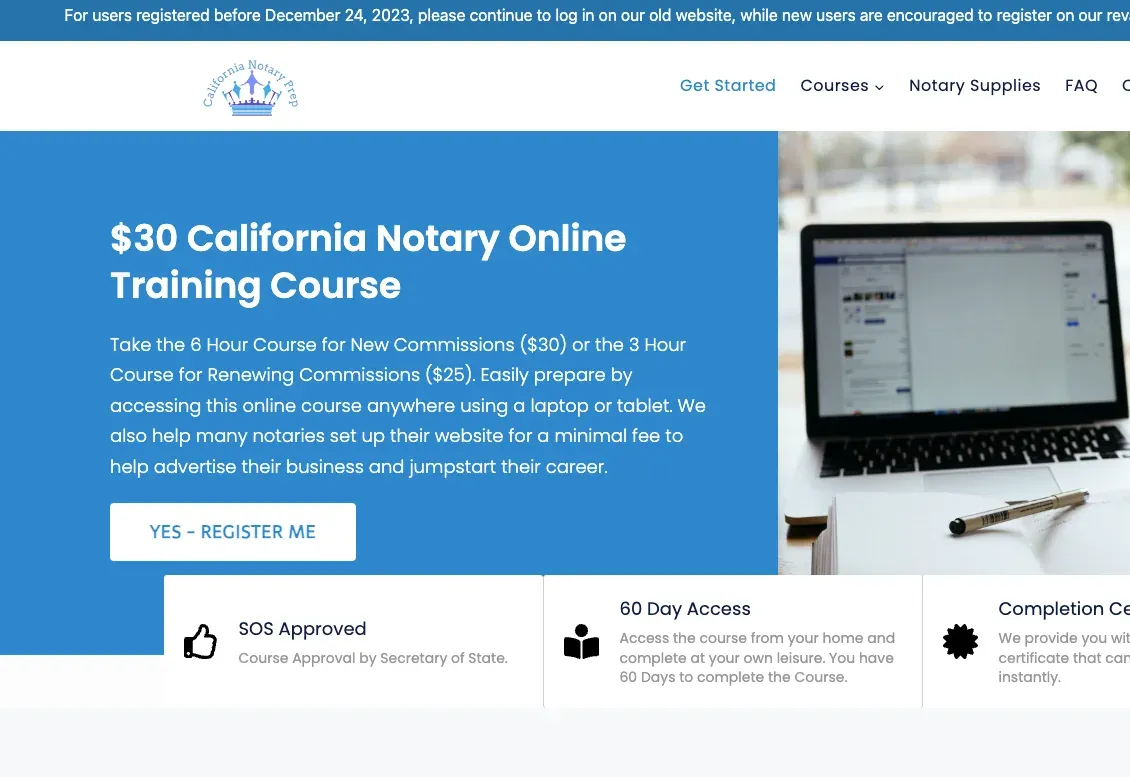
California Notary Prep website eLearning & LMS California Notary Prep Notary exam preparation courses, built on WordPress with LearnDash.
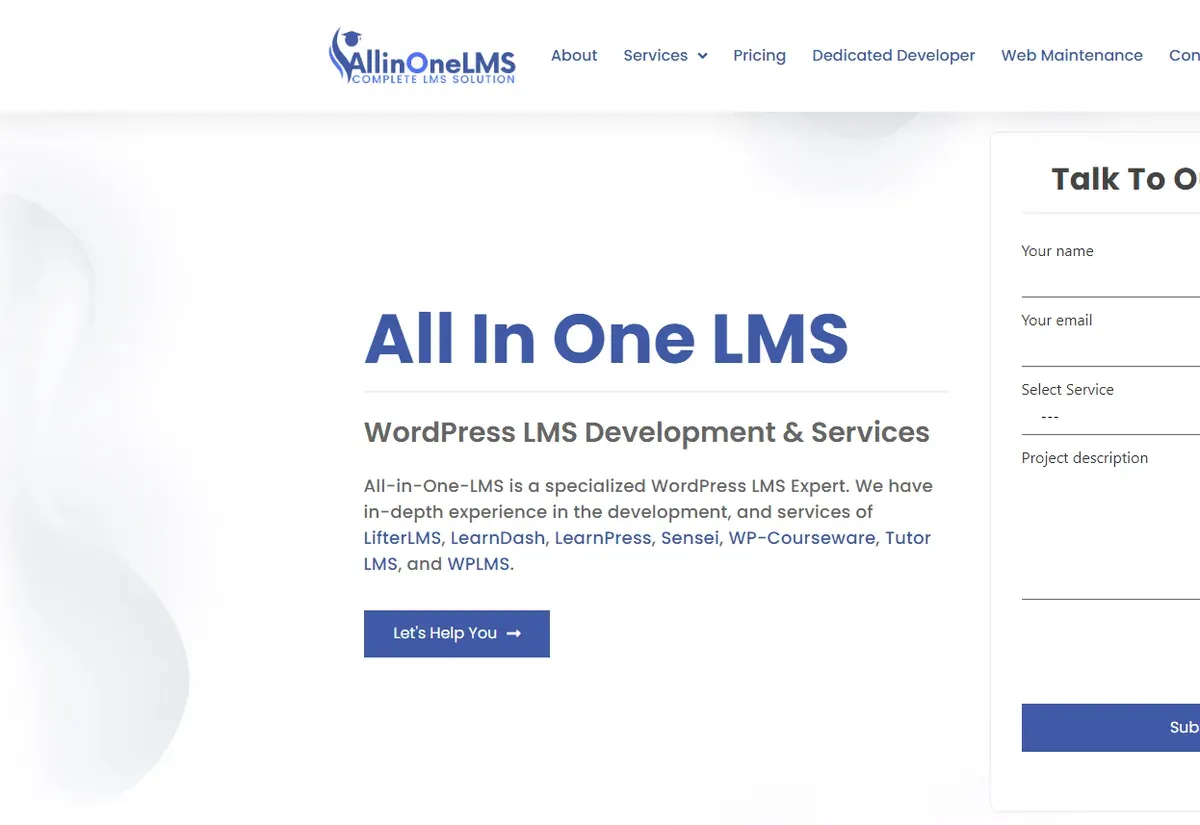
All In One LMS website eLearning & LMS All In One LMS
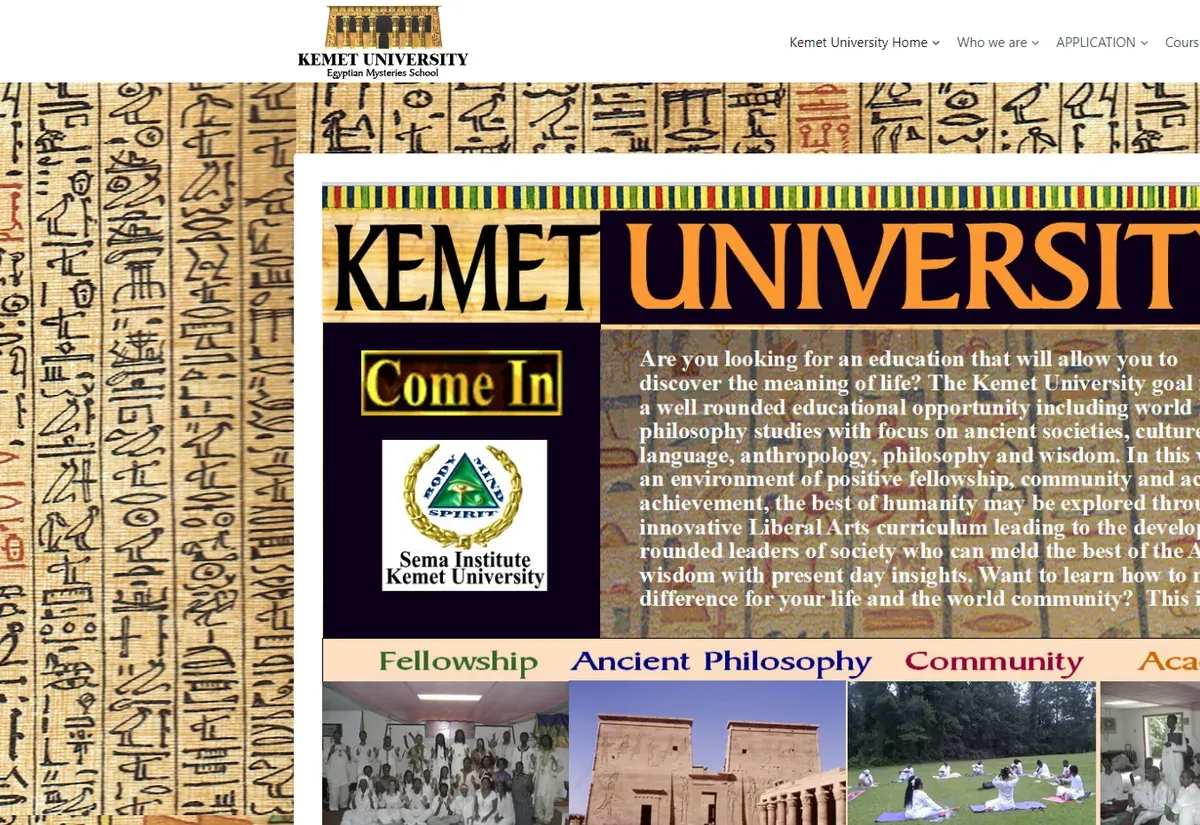
Kemet University website eLearning & LMS Kemet University
FAQ

What clients ask about custom add-ons

Should this be a custom add-on or an existing plugin?
If a maintained plugin already does the job, use it, and we will tell you when one does. A custom add-on is worth paying for when the requirement is specific to your business, when you need control over the roadmap, or when stitching three plugins together would be more fragile than writing one.
Who owns the plugin you write?
You do. The source code and the repository are yours, and you are free to change the plugin, reuse it or sell it. Client work is confidential, and we sign an NDA on request before you share any details of your business rules.
Will the add-on keep working when LearnDash updates?
That is what the design is for. The add-on uses documented functions, hooks and REST routes instead of LearnDash internals, and it ships with tests we can run against each new release. When LearnDash does change something we depend on, the fix is usually small and found on staging first.
Can the add-on work with our other plugins, such as WooCommerce or BuddyBoss?
Yes. We test with the plugins you run, and many add-ons exist precisely to connect LearnDash to a store, a community or a membership system. Give us your plugin list at the start so compatibility is part of the scope and not a surprise at the end.
Can you build an add-on that we will sell to other LearnDash users?
Yes. For commercial plugins we add licensing, an update mechanism, a settings screen that makes sense to strangers, translation readiness and public documentation. The process is the one described under WordPress plugin development, and we can advise on support load from running our own plugins.
Can you take over an add-on another developer started?
Yes. We begin with a code review that checks how it reads and writes LearnDash data, how it handles failures and whether it is safe to update. You get a short report, then we either continue the work or recommend rebuilding the weak parts.
How is add-on work estimated?
From the specification. The main cost drivers are the number of external systems, the volume of data, how many screens are needed and how much automated testing you want. A single-purpose add-on is often a few weeks of work, and the quote breaks larger ones into milestones.
Start a project

Describe the add-on you need

A paragraph is enough to start. We will reply within one business day with questions, a first view on feasibility and a free quote.

  • Free consultation and quote
  • NDA on request
  • You own the source code
  • Reply within one business day
Add budget and timeline optional, helps us quote faster

This form is protected by reCAPTCHA and the Google Privacy Policy and Terms of Service apply.