WordPress LMS

LearnDash development for courses that have to work

We set up, customize and extend LearnDash for training companies, schools and membership businesses. Your own developers on the project, your code when it is done.

  • 300+ LMS projects delivered
  • Own developers, no freelancers
  • You own the code
What is included
  • Setup and course structure
  • Quizzes and assessments
  • Selling courses
  • Groups and team training
  • Custom add-ons
  • Reporting and integrations
Get a free quote Reply within one business day. NDA on request.
The problem

Where LearnDash sites usually get stuck

LearnDash gets you a course site quickly. The trouble starts a few months in: the quiz that will not grade the way your assessors need, the group leader who cannot see her own team, the checkout that enrolls people in the wrong course, the report that has to be rebuilt in a spreadsheet every Monday.

That is the work we do. Some clients come to us with an idea and no site. Most arrive with a LearnDash install that mostly works and a list of things it cannot do yet. Either way you get developers who know where LearnDash stores progress, how its access rules really behave, and which add-ons are worth keeping.

  • Enrollment and payments disagree

    A learner pays and gets no access, or cancels a subscription and keeps it. It usually traces back to how the store, the membership plugin and LearnDash course access were wired together, and nobody owns the whole chain.

  • Reporting stops at the dashboard

    Managers want progress by team, by cohort or by client company. The built-in reports show activity, not the answer, so someone exports CSV files and stitches them together by hand.

  • The site slows down as it grows

    Course grids, progress queries and a pile of add-ons each add database work. With a few thousand learners the profile page and the quiz results start to crawl.

  • Too many plugins doing one job

    Every missing feature was solved with another add-on. Updates now break each other, and nobody is sure which plugin controls certificates, emails or course completion.

What we do

What we build and fix

We work across the whole LearnDash stack, from the first course outline to custom add-ons written for your business rules.

Setup and course structure

Courses, lessons, topics and quizzes mapped to how you teach, with prerequisites, drip schedules, focus mode and certificates configured and tested with real accounts.

Quizzes and assessments

Question banks, timed and randomized quizzes, essays and assignments, custom grading rules, retake limits and result pages that tell the learner what to do next.

Selling courses

One-off purchases, subscriptions, bundles and B2B seat licenses through WooCommerce or the built-in Stripe and PayPal options, with access granted and removed at the right moment.

Groups and team training

Group hierarchies, group leader dashboards, bulk enrollment, seat management and per-client branding for companies that train other companies.

Custom add-ons

When settings and existing plugins cannot do it, we write a small, documented plugin that uses LearnDash hooks and its REST API, so core updates stay safe.

Reporting and integrations

Progress and completion data sent to your CRM, HR system or data warehouse, plus admin and manager reports that answer the question people actually ask.

Typical projects

LearnDash projects we take on

01

A new course business

You have the content and an audience. We build the site, the catalog, checkout and the learner dashboard, and hand over a site your team can add courses to without calling us.

02

Corporate and compliance training

Mandatory courses assigned by department or client, deadlines and reminders, certificates with expiry dates, and completion records a manager can pull in two clicks.

03

Rescue of an existing site

An audit of plugins, theme code and the database, a fix list ranked by risk, then cleanup on a staging copy so learners never see the work in progress.

04

Moving to LearnDash

Courses, users, enrollments and progress brought over from another LMS plugin, Moodle or a hosted course platform, with old URLs redirected and logins kept working.

In depth

How we approach a LearnDash build

Start with the access model, not the theme

Every LearnDash problem we are asked to fix comes back to one question: who should be able to open which course, and what gives or takes away that right? A purchase, a subscription renewal, a group seat, a membership level and a manual enrollment can all grant access, and they do not cancel each other out. Before we install anything we write that model down in plain language with you. It becomes the test script for the whole project.

Configure first, then extend, then write code

LearnDash covers a lot with settings alone, and a well-chosen add-on is cheaper to own than custom code. So we work in that order. Custom development starts where configuration ends: a grading rule your assessors need, a seat license model, a report by client company. When we do write code it lives in its own plugin, never in the theme or in edited LearnDash files, and it hooks into documented actions and filters so that the next LearnDash update is a routine job.

Progress data deserves respect

Course progress, quiz attempts and certificates are the records your learners and your clients rely on. Any change that touches them, including a migration, a restructure of lessons or a change of course access mode, is rehearsed on a copy of the live database first. We compare counts of enrollments, completions and attempts before and after, and we keep the old data until you have signed off.

Performance is designed in

Slow LearnDash sites are rarely a hosting problem alone. We look at how course lists and progress are queried, what each add-on loads on every page, and what can be cached for logged-in users without showing one learner another learner's progress. Object caching, leaner queries on the profile and group pages, and removing duplicate plugins usually matter more than a bigger server.

Handover your team can use

You get the code in your own repository, a short admin guide written for your site (how to add a course, issue a refund, enroll a group), and a staging site that mirrors production. If you want us to keep looking after the site we can, on a monthly plan. If you would rather run it yourselves, nothing stops you.
Process

From first call to a live course site

  1. 1

    Discovery call

    We go through your courses, learners, sales model and the systems LearnDash has to talk to. You get a written scope and a quote, with no obligation.

  2. 2

    Access model and plan

    We document who gets access to what and why, choose the add-ons worth using, and agree milestones you can check on a staging site.

  3. 3

    Build on staging

    Configuration, design and custom code happen on a private copy. You test with real learner, group leader and admin accounts as each milestone lands.

  4. 4

    Test and rehearse

    Enrollment, payment, quiz and certificate paths are tested end to end. Migrations are rehearsed with real data and checked against the source.

  5. 5

    Launch and support

    We go live at a quiet hour, watch the first enrollments and payments, and stay on hand for fixes. Ongoing maintenance is available if you want it.

Deliverables

What you walk away with

  • A written access model for courses, groups and payments
  • A staging site that mirrors production
  • Custom code in its own documented plugin
  • An admin guide written for your site
  • Full source code and repository ownership

Related work from our portfolio

Full portfolio
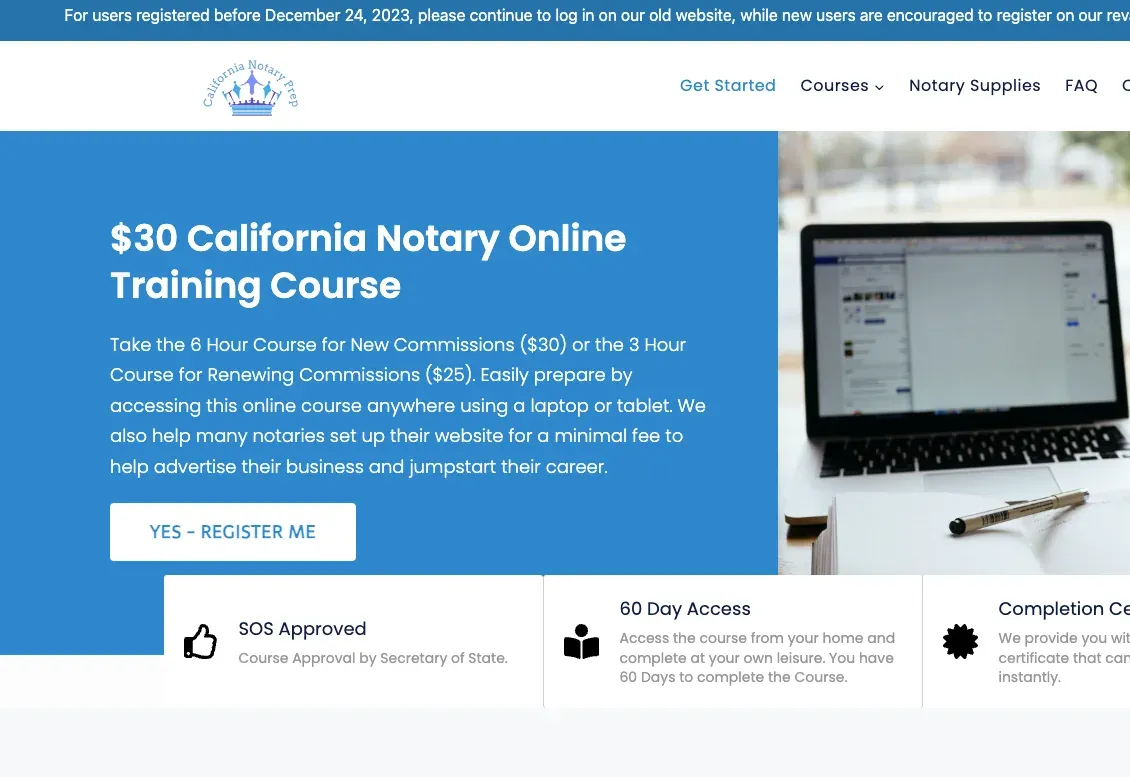
California Notary Prep website eLearning & LMS California Notary Prep Notary exam preparation courses, built on WordPress with LearnDash.
All In One LMS website eLearning & LMS All In One LMS
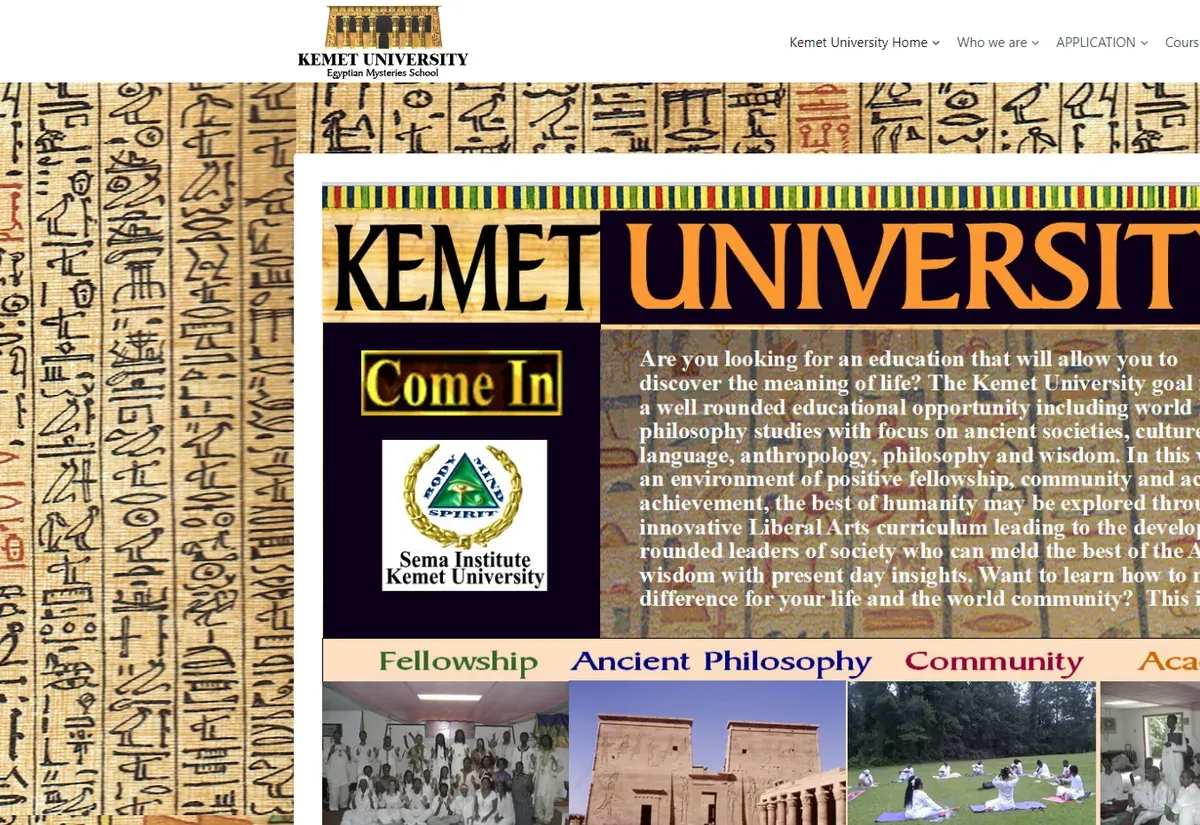
Kemet University website eLearning & LMS Kemet University
FAQ

LearnDash questions buyers ask us

Can you work on a LearnDash site someone else built?
Yes, and it is most of what we do. We start with an audit of the plugins, theme code and course setup, tell you what is safe to keep, and fix things on a staging copy first. You do not have to rebuild to work with us.
Do you build custom LearnDash add-ons?
Yes. When a requirement cannot be met with settings or a reliable existing add-on, we write a separate plugin that uses LearnDash hooks and its REST API. See LearnDash plugin development for how that works.
How should we sell LearnDash courses: built-in payments or WooCommerce?
The built-in Stripe and PayPal options are fine for a simple catalog with one price per course. If you need coupons, bundles, taxes, subscriptions, invoices or seat licenses for companies, WooCommerce gives you far more control and is what we usually recommend.
Can you migrate our courses and learner progress into LearnDash?
Yes. We move courses, lessons, quizzes, users, enrollments and completion records from other WordPress LMS plugins, Moodle and hosted platforms. The move is rehearsed on a copy and the numbers are compared before the switch.
Will our site survive LearnDash and WordPress updates?
It should, if custom work is kept out of core files and the theme. We keep customizations in their own plugin and test updates on staging before they reach the live site. A maintenance plan covers this every month if you would like us to handle it.
How long does a LearnDash project take and what does it cost?
It depends on scope. A focused fix or add-on is often a matter of weeks, and a full site with payments and integrations takes longer. You get a fixed scope with milestones in the quote, after a free consultation.
Can we hire one LearnDash developer instead of a project team?
Yes. You can hire a LearnDash developer part time, full time or by the hour, working as part of your team with a project manager on our side.
Start a project

Tell us about your LearnDash project

Share what you are building or what is broken. A developer who works on LearnDash every week will reply within one business day with next steps and a free quote.

  • Free consultation and quote
  • NDA on request
  • You own the source code
  • Reply within one business day
Add budget and timeline optional, helps us quote faster

This form is protected by reCAPTCHA and the Google Privacy Policy and Terms of Service apply.