LifterLMS

LifterLMS add-on development from a team that ships its own

We write add-ons that plug into LifterLMS the way its official extensions do: registered integrations and gateways, enrollment and progress through its own functions, and a structure that survives updates.

  • Makers of SCORM Bridge for LifterLMS
  • Built on LifterLMS APIs
  • Code and repository are yours
What is included
  • SCORM and xAPI players
  • Quiz extensions
  • CRM and automation
  • Payment gateways
  • REST API work
  • Update-safe structure
Get a free quote Reply within one business day. NDA on request.
The problem

Gaps that call for a LifterLMS add-on

Sooner or later a LifterLMS site needs something that is not in the core or in the official add-on list. Course content arrives as SCORM packages. Assessors want an answer key students can review after passing. Sales wants every enrollment in the CRM. Finance wants a local payment gateway. Each of these is a plugin in its own right, and it has to cooperate with LifterLMS orders, enrollments and progress without stepping on them.

We know what that takes because we have done it for ourselves. SCORM Bridge for LifterLMS is an add-on we built and maintain, and WorldWin Coder is listed in the official LifterLMS Experts directory. The same structure, tests and release habits go into the add-ons we write for clients. You own what we build for you.

  • Content lives in SCORM packages

    Your courses were authored in Storyline, Rise or Captivate. Uploading them as plain files loses completion, score and time, so the student record says nothing useful.

  • Quizzes need more than the standard types

    You want an answer key, question pools by topic, a review mode after passing or a grading step for a human assessor, and settings alone do not get there.

  • Data has to reach other systems

    Enrollments, completions and orders should appear in the CRM, the email platform or a spreadsheet for finance, without staff exporting and importing every week.

  • Your gateway has no add-on

    The payment provider your customers use, or the one your bank requires, is not among the available gateway add-ons, so students cannot pay the way they expect.

What we do

Kinds of add-on we build

Each add-on is scoped as a small product with a clear job. These are the kinds we are asked for most.

SCORM and xAPI players

Packages uploaded, attached to lessons and launched in a player, with completion and score captured and used to mark the LifterLMS lesson complete.

Quiz extensions

Answer keys, review modes, new question behavior and grading workflows that build on LifterLMS quizzes and keep existing attempt records intact.

CRM and automation

Enrollment, progress and order events sent to HubSpot, Salesforce, ActiveCampaign or Zapier, with tags and fields mapped and failed calls retried.

Payment gateways

A gateway add-on for a provider LifterLMS does not cover, handling one-time and recurring charges, refunds and the provider's callbacks.

REST API work

Custom endpoints and webhooks beside the LifterLMS REST API, for mobile apps, partner portals and reporting tools that need course and student data.

Update-safe structure

Version checks, namespaced code, database migrations and a clean uninstall, so the add-on installs, updates and leaves without side effects.

Typical projects

Add-on projects in practice

01

A SCORM player tuned to your content

Starting from our own SCORM bridge and extended for your packages: resume where the learner left off, a pass mark per package and results visible in LifterLMS reporting.

02

An answer key add-on

After a passing attempt, students see each question with the correct answer and an explanation, switched on per quiz and hidden from anyone still attempting.

03

A CRM connector

Contacts created at registration, tagged on enrollment and completion, and updated when an order renews or fails, with a sync log an admin can read.

04

A regional payment gateway

A gateway class for your provider with sandbox and live modes, recurring support where the provider allows it and refunds issued from the order screen.

In depth

What a well-built LifterLMS add-on looks like

Register with LifterLMS, do not work around it

LifterLMS has formal slots for extensions. An integration extends its integration class and appears under the Integrations settings tab with its own options. A payment gateway extends the gateway class, declares what it supports (single payments, recurring payments, refunds) and is offered at checkout like any official gateway. We use those slots because they bring settings screens and feature checks with them, and because a site owner finds the add-on where they expect it. An add-on that hides its settings in a separate menu and hooks in sideways is harder to support.

Enrollment and progress go through the API

The rule we hold hardest: never write enrollment or completion rows yourself. When a SCORM package reports that a learner passed, our code asks LifterLMS to mark the lesson complete for that student. LifterLMS then recalculates course progress, fires its completion hooks and runs any engagement waiting on them, so the certificate and the email go out as they would for a native lesson. Write the same fact straight into the database and the lesson looks complete while nothing downstream knows about it. That single shortcut explains many of the broken third-party add-ons we are asked to repair.

SCORM and xAPI in particular

A SCORM package is a zip file with a manifest, and at run time the content holds a JavaScript conversation with the page that hosts it. The add-on has to unpack and store packages safely, serve them only to enrolled students, answer the runtime calls and save suspend data so a learner can resume. Some decisions need your input: what counts as complete (viewed, passed or a minimum score), whether a failed attempt can be retried and where large packages are stored. xAPI adds statements sent to a learning record store, which matters when the same content is reported outside WordPress.

Integrations and background work

Calls to a CRM or automation tool never run inside the student's page request. We queue them, retry on failure and keep a log. Recurring jobs run as scheduled actions with a visible log, and we check that the server triggers them on time. Incoming webhooks are verified before anything is changed. For data that other systems pull, we extend the LifterLMS REST API with endpoints of our own and document them. The wider approach is described on our WordPress API and integrations page.

Releases that do not break sites

Each add-on declares the minimum LifterLMS version it needs and turns its features off politely if that is missing. Schema changes run as numbered migrations. Automated tests cover the enrollment, progress and payment rules, and we run them on staging against each new LifterLMS release before recommending an update. Clients who plan to sell their add-on also get license checks, an update channel and translation files.
Process

From idea to installable add-on

  1. 1

    Requirement call

    You explain the gap. We ask what data is involved, which systems it touches and what should happen when one of them is unavailable.

  2. 2

    Specification and quote

    A short document sets out screens, stored data, LifterLMS hooks used and acceptance tests, with a quote broken into milestones.

  3. 3

    Development

    The add-on is built in a repository you can see and installed on a staging copy of your site at each milestone.

  4. 4

    Testing with your content

    We test with your real packages, quizzes, plans or CRM sandbox, not sample data, and alongside the plugins you actually run.

  5. 5

    Delivery and maintenance

    You get the packaged add-on, documentation and source. We can maintain it against future LifterLMS releases if you want.

Deliverables

Included with every add-on

  • A packaged add-on that installs like any other plugin
  • Settings where LifterLMS admins expect to find them
  • Tests covering enrollment, progress and payment rules
  • Admin and developer documentation
  • Full source code, owned by you

Related work from our portfolio

Full portfolio
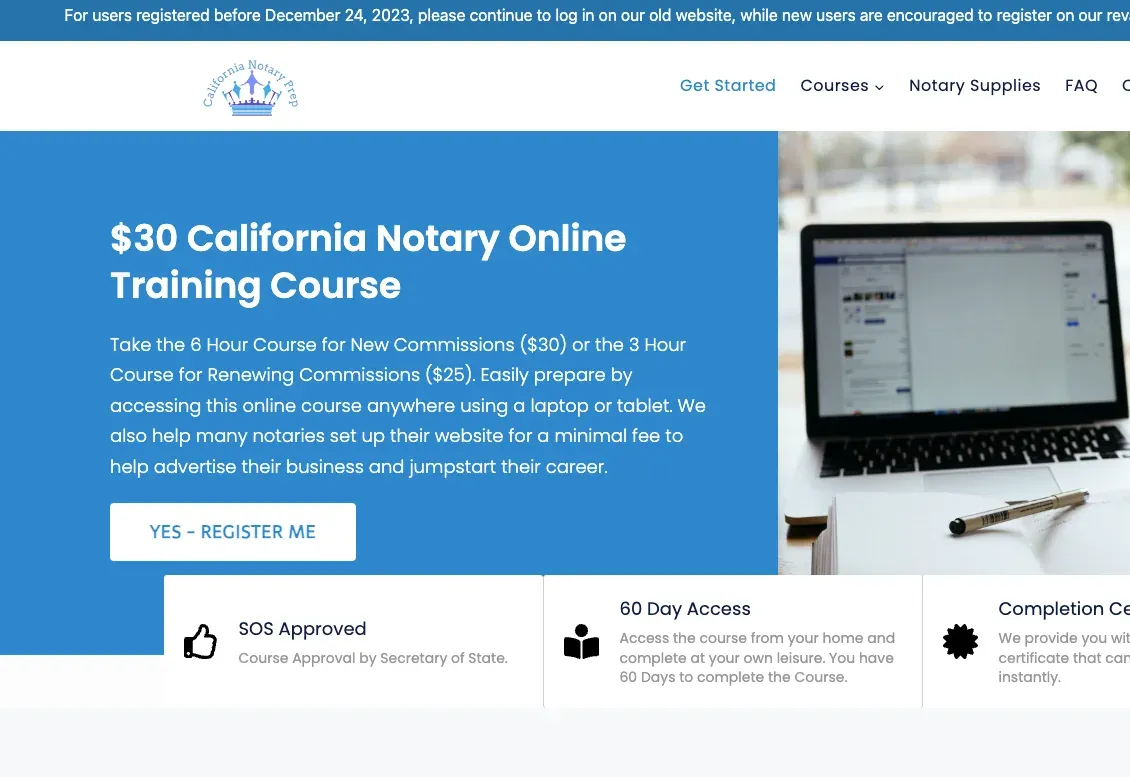
California Notary Prep website eLearning & LMS California Notary Prep Notary exam preparation courses, built on WordPress with LearnDash.
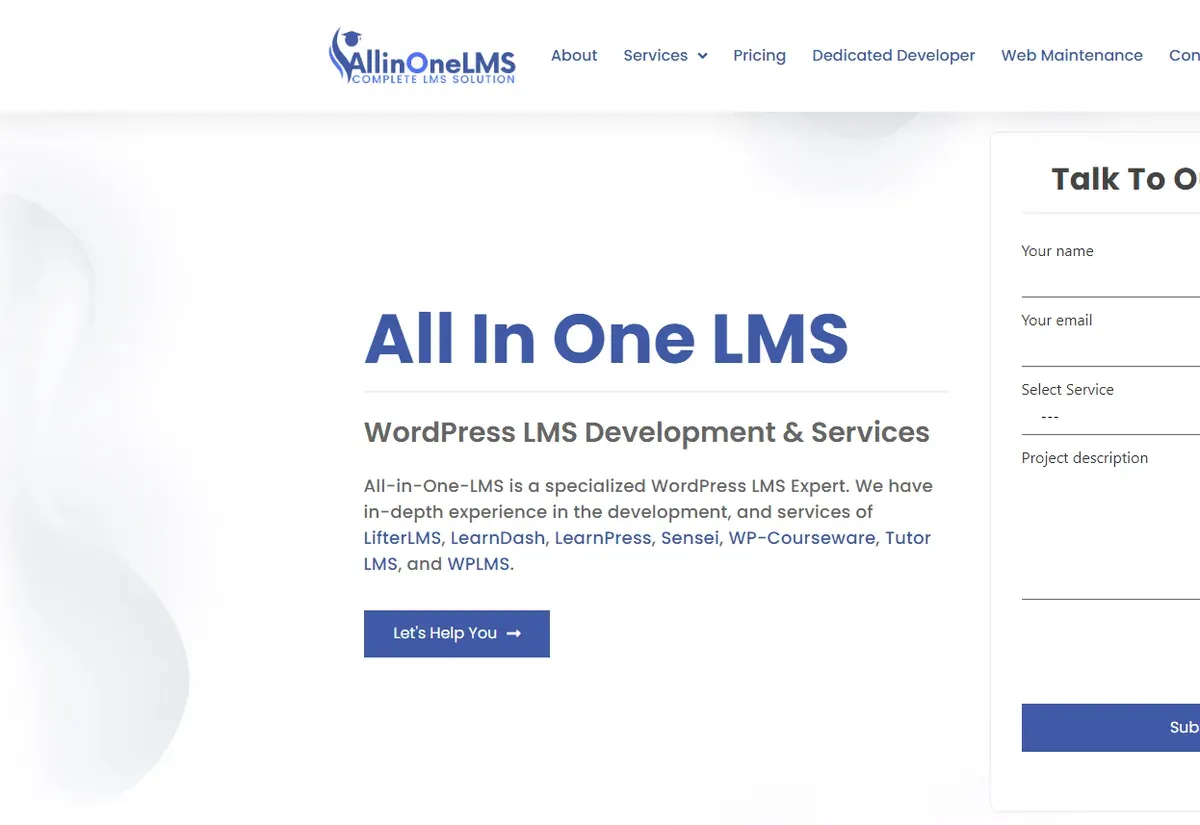
All In One LMS website eLearning & LMS All In One LMS
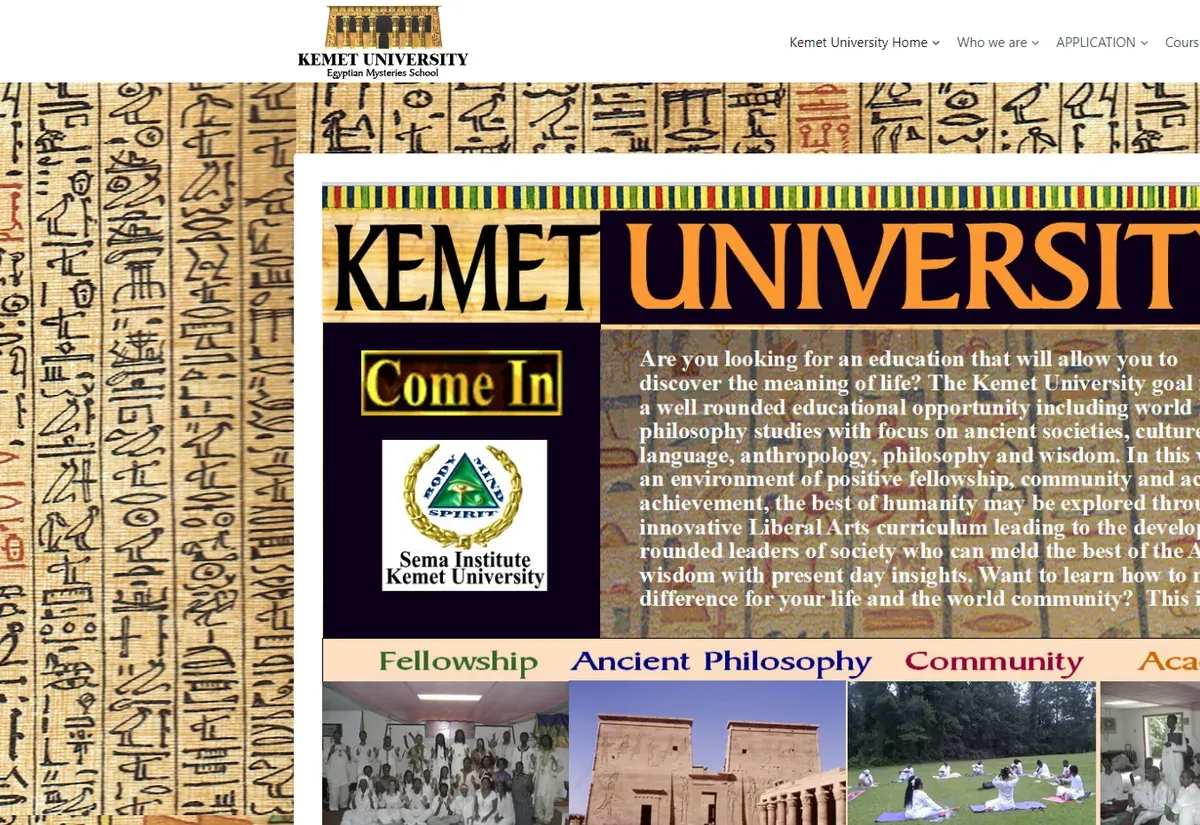
Kemet University website eLearning & LMS Kemet University
FAQ

Add-on development questions

What is SCORM Bridge for LifterLMS?
It is an add-on we built and maintain that connects SCORM packages to LifterLMS courses. Maintaining it means we deal with LifterLMS releases, support questions and packaging as a matter of routine, and that experience goes into the add-ons we write for clients.
Can you build an add-on for a requirement that seems unique to us?
Yes, that is the normal case. We start by checking whether settings, an official add-on or a small LifterLMS customization would cover it, because those are cheaper. If not, we write a specification and build the add-on as a separate plugin that you own.
Will a custom add-on conflict with official LifterLMS add-ons?
It should not if it is built on the same extension points they use. We test with the add-ons installed on your site, such as Stripe, Groups or Advanced Quizzes, and we avoid changing shared templates or global behavior that another add-on may rely on.
Can you build a payment gateway for LifterLMS?
Yes. A gateway add-on handles checkout, confirmation callbacks, refunds and, if the provider supports stored payment methods, recurring charges. We need sandbox credentials and the provider's API documentation to estimate it, and we test every access plan type before release.
Do you connect LifterLMS to CRMs and email tools?
Yes. Common targets are HubSpot, Salesforce, ActiveCampaign and Mailchimp, plus Zapier or webhooks for anything else. We map which LifterLMS events create or update which records, queue the calls so the site stays fast and log every sync so problems can be traced.
Who maintains the add-on after delivery?
You choose. The code and documentation are written so that any competent WordPress developer can maintain them. Many clients ask us to keep the add-on compatible with new LifterLMS releases, either on a maintenance plan or by hiring a LifterLMS developer for a few hours a month.
Is a custom add-on expensive compared with an off-the-shelf one?
It costs more up front, since you are paying for development instead of a license. It makes sense when no existing product fits, or when the feature is central enough that you want to control it. Cost follows the number of external systems, whether payments are involved and how much admin interface is needed, all itemized in the quote.
Start a project

Need LifterLMS to do something new?

Describe the gap in a few lines. An add-on developer will reply within one business day with questions and a free quote.

  • Free consultation and quote
  • NDA on request
  • You own the source code
  • Reply within one business day
Add budget and timeline optional, helps us quote faster

This form is protected by reCAPTCHA and the Google Privacy Policy and Terms of Service apply.