WordPress LMS

LearnPress development for sites that outgrew the demo

We customize and repair LearnPress sites built on Eduma and other education themes: add-ons, templates, checkout, instructor tools and speed, with every change kept out of the parent theme and the plugin core.

  • 500+ WordPress projects delivered
  • Add-on audit included
  • Free quote, no obligation
What is included
  • Add-on audit and consolidation
  • Template and theme work
  • Checkout and payments
  • Registration and profiles
  • Instructor and co-instructor tools
  • Speed for large catalogs
Get a free quote Reply within one business day. NDA on request.
The problem

What LearnPress owners ask us to fix

Most LearnPress sites start the same way: a free plugin, an education theme such as Eduma, a demo import, and a course catalog live within days. Then real requirements arrive. You need certificates, a second instructor on a course, drip schedules and card payments, and each of those is a separate add-on. The registration form asks the wrong questions. The checkout does not match how you sell. A theme update resets the course page you paid someone to redesign.

We work on LearnPress sites at that stage. Some need one feature built properly. Others need the whole stack sorted out: which add-ons stay, which theme templates are overriding the plugin, why the catalog is slow. If you are still choosing a platform, our WordPress LMS development page compares the options.

  • Add-ons piling up

    Certificates, co-instructors, drip content, assignments and most payment gateways are separate add-ons. A dozen later, a single LearnPress update can break two of them, and nobody remembers which ones are still needed.

  • The theme owns your course pages

    Education themes ship their own copies of LearnPress templates. When the plugin changes a template and the theme lags behind, lesson pages lose buttons, quizzes stop submitting or the layout falls apart.

  • A slow catalog and profile page

    Course archives with filters, instructor pages and the learner profile all query course and progress tables. With hundreds of courses or thousands of learners, those pages are the first to slow down.

  • Registration and checkout do not fit

    You need a company name, a tax ID or a consent box at sign-up, guest checkout switched off, invoices, or a different gateway. The default LearnPress flow offers a few settings and little else.

What we do

Where we step in

We treat LearnPress, its add-ons and your theme as one system, and we change it in ways that survive the next update.

Add-on audit and consolidation

We list every LearnPress add-on and helper plugin, what it does and whether anything still uses it, then remove duplicates and replace abandoned ones with maintained code.

Template and theme work

Course, lesson, quiz and profile layouts changed through child theme overrides and hooks, compared against the current plugin templates so a theme or plugin update does not undo them.

Checkout and payments

Custom checkout fields, guest and logged-in flows, gateway add-ons, or sales handed to WooCommerce when you need coupons, taxes, invoices and subscriptions.

Registration and profiles

Extra sign-up fields, instructor applications with approval, role-based redirects and a learner profile that shows the tabs your students use and hides the rest.

Instructor and co-instructor tools

Front-end course editing, courses shared between teachers, earnings reports per instructor and limits on what an instructor can publish without review.

Speed for large catalogs

Query profiling on archive, single course and profile pages, object caching, cleanup of session and progress tables, and lighter course cards for catalogs with hundreds of entries.

Typical projects

Typical LearnPress jobs

01

Eduma site cleanup

A LearnPress site built from an Eduma demo, with theme options, page builder widgets and overridden templates untangled, unused demo content removed and custom changes moved into a child theme.

02

Custom enrollment rules

Courses that open by purchase, by membership level, by an access code or by manual approval, with expiry dates and re-enrollment handled the way your policy says.

03

B2B course sales

Company accounts that buy seats in bulk, assign them to employees and receive one invoice, built on WooCommerce orders with a LearnPress enrollment created for each seat.

04

Move off or onto LearnPress

Courses, sections, lessons, quizzes, users and progress exported from LearnPress to another LMS, or imported into it, with completion records checked against the source.

In depth

Inside a LearnPress customization project

How LearnPress stores things

LearnPress keeps courses, lessons, quizzes and questions as WordPress post types (lp_course, lp_lesson, lp_quiz, lp_question) and orders as lp_order. What a learner has enrolled in, started and finished lives in its own tables, with learnpress_user_items at the center, and the curriculum order sits in section tables. That split matters. A page builder or an SEO plugin can see the course post, but anything about progress needs a query against the LearnPress tables or a call to its API. Custom reports, CRM syncs and migrations all start there.

Theme overrides are the usual culprit

LearnPress lets a theme replace any template by placing a copy in a learnpress folder. Education themes use that heavily, which is why two LearnPress sites can look nothing alike. It is also why updates hurt: the plugin moves on, the theme copy stays as it was, and a hook the lesson page depends on never fires. On every project we diff the theme overrides against the plugin templates for the installed release and list which ones are stale. Where a change can be made with an action or filter instead of a copied file, we do that, because a hook keeps working when the template around it changes.

Selling through built-in orders or WooCommerce

LearnPress has its own cart, checkout and order records, and for a school selling single courses that is enough. It starts to strain when you want coupons with rules, tax handling per country, PDF invoices, subscriptions or bundles. At that point we usually connect WooCommerce and let it own the money side while LearnPress owns access. The decision should be made once and early, since existing order records and enrollments have to stay valid after the switch.

Fewer add-ons, each one accounted for

The free core plus add-ons model is good value until the add-on list becomes the maintenance problem. We do not remove things for the sake of it. Each add-on gets a line in a short document: what it provides, which pages or courses rely on it, when it was last updated. Three small add-ons that each add one field or one email are often cheaper to replace with a single site plugin we write and you own. A gateway or certificate add-on from the plugin author usually stays.

Testing with learner accounts

Admin accounts skip most LearnPress restrictions, so a change that looks fine to you can block a student. We test as a guest, a new learner, an enrolled learner, an instructor and a co-instructor: buy, enroll, finish a lesson, fail and retake a quiz, complete the course, download the certificate. The same script runs again on staging after each plugin or theme update.
Process

How a LearnPress job is run

  1. 1

    Audit of the current site

    We review LearnPress settings, add-ons, theme overrides and the database on a copy of your site, then send a written list of findings and a quote.

  2. 2

    Agree the change list

    You choose what to fix now and what can wait. Each item gets an approach: a setting, a hook, a child theme template or a small custom plugin.

  3. 3

    Build on a staging copy

    Work happens away from live learners. You review each milestone with student and instructor test accounts before anything is deployed.

  4. 4

    Update rehearsal

    We update LearnPress, the theme and the add-ons on staging and rerun the test script, so you know the customizations hold.

  5. 5

    Deploy and hand over

    Changes go live in a quiet window with a backup taken first. You receive the code, the add-on inventory and notes for whoever maintains the site next.

Deliverables

What is yours at the end

  • An inventory of every add-on and why it is installed
  • Customizations in a child theme and a site plugin, not in core files
  • A test script covering purchase, enrollment, quizzes and certificates
  • Faster catalog, course and profile pages
  • Source code and documentation that belong to you

Related work from our portfolio

Full portfolio
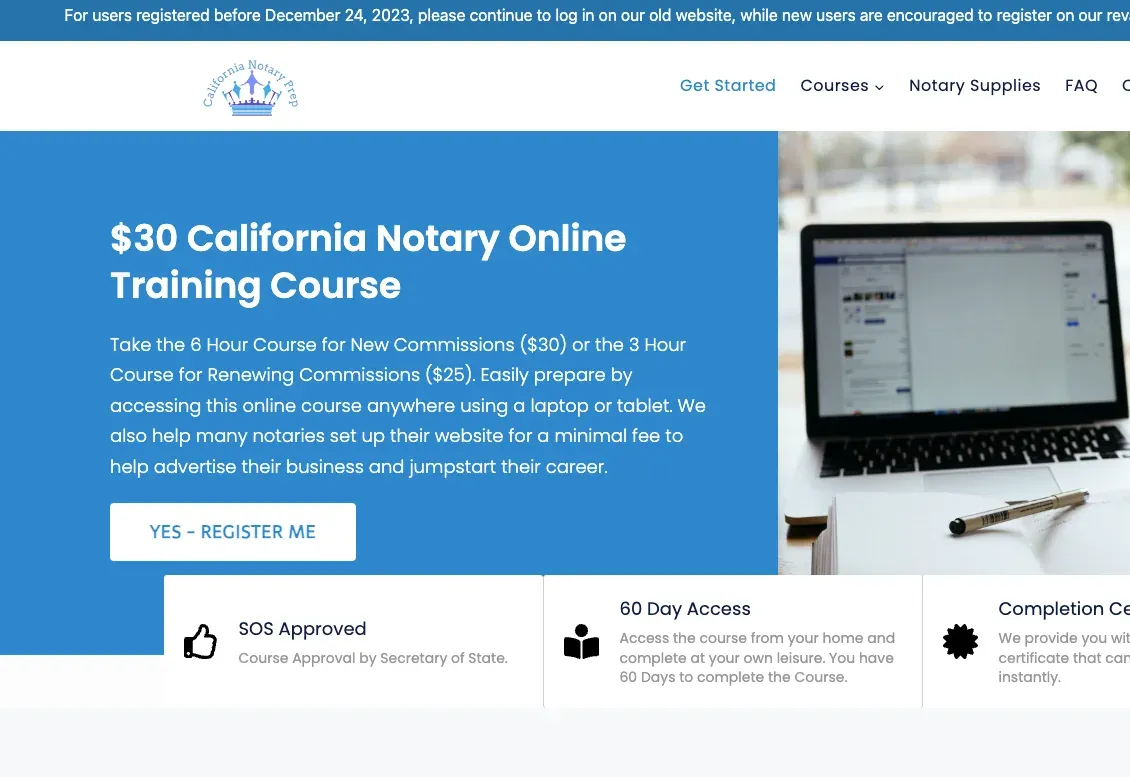
California Notary Prep website eLearning & LMS California Notary Prep Notary exam preparation courses, built on WordPress with LearnDash.
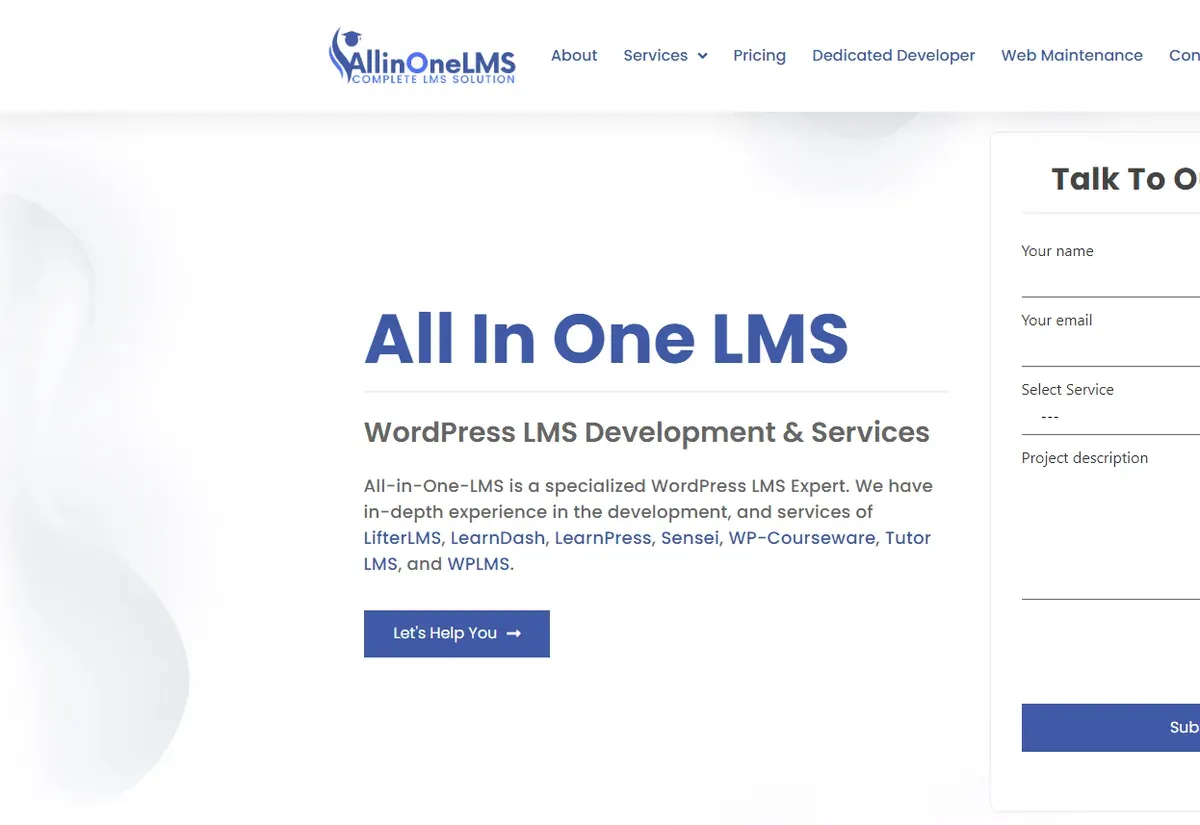
All In One LMS website eLearning & LMS All In One LMS
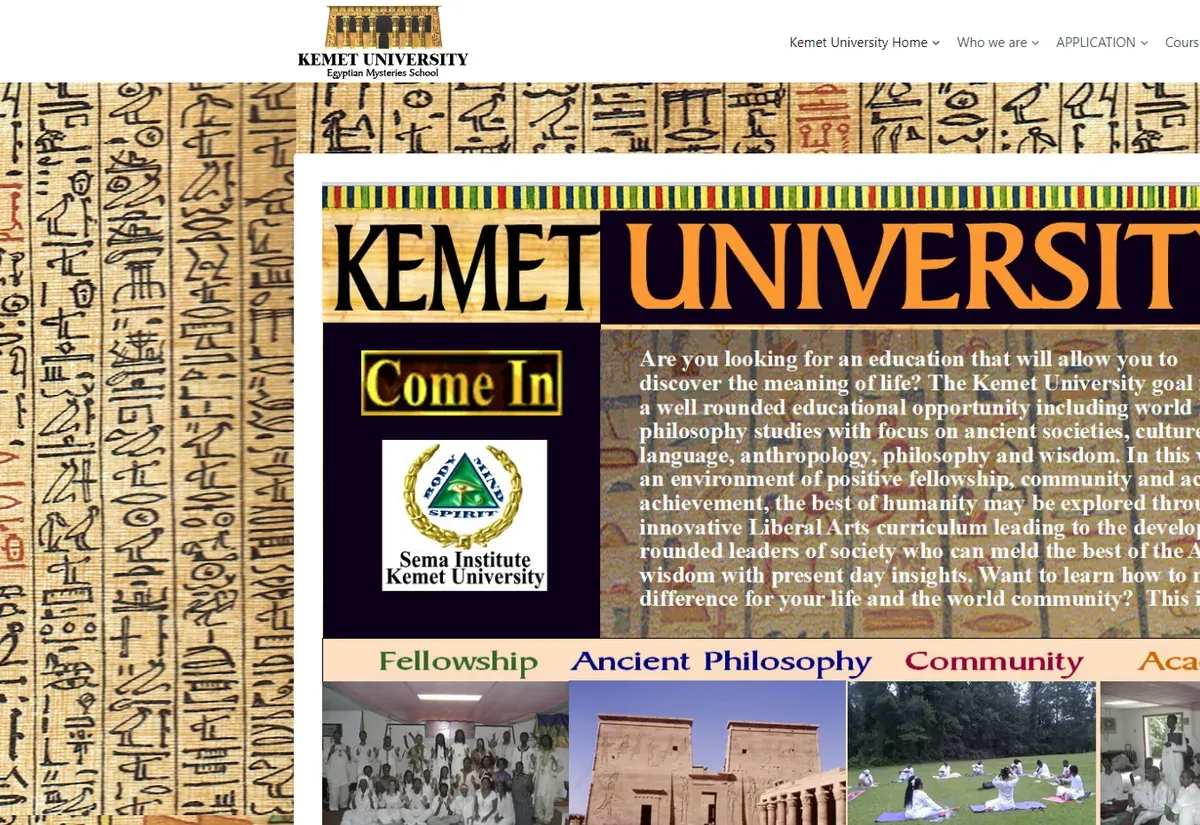
Kemet University website eLearning & LMS Kemet University
FAQ

LearnPress questions answered plainly

Is LearnPress enough for a serious course business?
For many schools, yes. The free core covers courses, lessons, quizzes and basic sales, and add-ons fill most gaps. It needs more care when you have a large catalog, several instructors or B2B sales, which is where custom work and a tidy add-on set pay off. If the gap is very wide we will say so and suggest an alternative.
A theme update broke our course pages. Can you fix that without losing the design?
Yes. We compare the theme copies of LearnPress templates with the plugin versions, bring the stale ones up to date and move your design changes into a child theme. Where possible we swap copied templates for hooks so the same break does not come back.
Can you add custom fields to LearnPress registration or checkout?
Yes. We add the fields, validate them, store them against the user or the order and show them where staff need them, such as the order screen, exports or your CRM. Consent boxes and conditional fields are handled the same way.
Should we stay on LearnPress or move to another LMS plugin?
It depends on what is failing. Layout, checkout and speed problems can nearly always be fixed in place. If you need group reporting, complex assessments or seat licensing as core features, a move to LearnDash or Tutor LMS may cost less over time. We quote both paths when the answer is not obvious.
Do you work with themes other than Eduma?
We do. Any theme that follows the LearnPress template system can be customized the same way, and we also build lightweight custom themes for sites that want to leave a heavy multipurpose theme behind.
Who owns the custom LearnPress code?
You do. Custom features are delivered as a plugin and a child theme in your repository, with a short document describing each hook and template we touched. Any developer familiar with WordPress can pick the work up later.
Start a project

Send us your LearnPress to-do list

Tell us what the site should do and what it does now. We will reply within one business day, look at the setup and send a free quote with clear milestones.

  • Free consultation and quote
  • NDA on request
  • You own the source code
  • Reply within one business day
Add budget and timeline optional, helps us quote faster

This form is protected by reCAPTCHA and the Google Privacy Policy and Terms of Service apply.