WordPress LMS

Tutor LMS development for academies and course marketplaces

Multi-instructor marketplaces, custom front-end dashboards, commission rules, reports and live class workflows built on Tutor LMS by developers who know its data model.

  • 300+ LMS projects delivered
  • Marketplace and payout logic
  • Direct access to developers
What is included
  • Multi-instructor marketplaces
  • Commission and payouts
  • Custom dashboards
  • Quizzes and assignments
  • Selling and access
  • Reporting and analytics
Get a free quote Reply within one business day. NDA on request.
The problem

Where Tutor LMS needs a developer

Tutor LMS is the plugin people pick when instructors, not admins, will build the courses. The front-end course builder and the instructor dashboard mean a teacher never has to see wp-admin, and the earnings and withdrawal screens give you the skeleton of a marketplace on day one.

The requests we get start where that skeleton ends. Commission that differs by instructor or by course. Payouts that should run without a manual spreadsheet. A dashboard that matches your brand and shows the numbers your instructors care about. Reports for a client who buys seats for a whole department. Live classes on Zoom or Google Meet that need attendance recorded. We build those as add-on plugins that sit beside Tutor LMS, so you keep getting its updates.

  • One commission rate for everyone

    The built-in revenue split is a site-wide setting. Marketplaces soon want a higher share for star instructors, a different cut on bundles, or fees deducted before the split.

  • Payouts handled by hand

    Instructors request withdrawals, an admin approves them, then someone pays through the bank or PayPal and marks it done. It works for ten instructors and becomes a weekly chore at a hundred.

  • Dashboards that need more

    The stock instructor and student dashboards are a good start, but you want your own menu items, analytics by course, a branded layout and pages for things Tutor LMS does not know about.

  • Reports stop at the course level

    Clients, cohort managers and accreditation bodies ask for progress by company, by date range or by quiz question. Getting that out means reading several tables that the standard reports do not combine.

What we do

What we add to Tutor LMS

We extend Tutor LMS through its actions, filters and template overrides, and write separate plugins for anything the settings cannot reach.

Multi-instructor marketplaces

Instructor applications and approval, course review before publishing, public instructor profiles, and rules for who may edit, price and publish a course.

Commission and payouts

Rates per instructor and per course, fee deductions, earnings statements, and automated payouts through a payment provider in place of manual withdrawal handling.

Custom dashboards

New dashboard pages and menu items for instructors and students, redesigned templates in a child theme, and widgets fed by your own data.

Quizzes and assignments

Extra grading rules, question pools, manual review queues for instructors and result exports that go beyond what the quiz builder offers out of the box.

Selling and access

WooCommerce or Easy Digital Downloads products linked to courses, subscriptions, bundles and membership plans, with enrollment created and cancelled in step with the order.

Reporting and analytics

Reports by instructor, cohort, company or period built from enrollment, lesson and quiz attempt data, with scheduled exports and feeds to a CRM or BI tool.

Typical projects

Projects built on Tutor LMS

01

A niche course marketplace

Independent instructors publish courses in one subject area. We build onboarding, moderation, commission tiers, payouts and the storefront, then hand over a platform your team can run.

02

An academy with live classes

Recorded lessons mixed with Zoom or Google Meet sessions, a class calendar, reminders, attendance stored against the learner and recordings attached to the lesson afterwards.

03

Corporate training portal

Company accounts with seat purchases, a manager view of team progress, single sign-on with the client identity provider and completion certificates issued per employee.

04

Migration to Tutor LMS

Courses, topics, lessons, quizzes, students and progress moved from another LMS plugin or a hosted course platform, with enrollments recreated and old course URLs redirected.

In depth

Building a marketplace on Tutor LMS

Know where the data lives first

Tutor LMS stores courses, topics, lessons, quizzes and assignments as post types, and it records an enrollment as a post too, of type tutor_enrolled, with the course as its parent and the student as its author. Quiz attempts, answers, earnings and withdrawals have their own tables. None of this is a problem, but it shapes every custom report and every migration. Counting active learners per course is a post query. Revenue per instructor comes from the earnings table. A report that mixes both has to be written with care or it will time out on a busy site.

Commission is a business rule, so write it down

When a course sells, Tutor LMS writes an earnings row that splits the amount between the site and the instructor. Changing the split for one instructor or one course means intercepting that calculation, and the hard questions are not technical. What happens to the split on a refund? On a coupon the instructor did not agree to? On a bundle with courses from three teachers? On tax? We ask for a worked example of each case before coding, and those examples become automated tests. Marketplaces that skip this step end up correcting statements by hand.

Payouts and the order system

Tutor LMS can sell through WooCommerce or Easy Digital Downloads, and the choice affects payouts. With WooCommerce you gain subscriptions, tax rules, coupons and a large gateway catalog, and automated instructor payouts can be driven from order events. Whatever the setup, we keep a ledger: each sale, refund, fee and payout is a row that can be audited, and an instructor statement is a view of that ledger, never a number calculated on the fly.

Dashboards without forking the plugin

The front-end dashboard is built from templates that a theme can override in a tutor folder, and its menu is filterable, so new pages can be added cleanly. We avoid copying more templates than a design needs, since each copy has to be checked after a Tutor LMS release. New screens, such as a payout history or a cohort report, are registered by our plugin and styled to match, which keeps them alive through theme changes as well.

What we test before launch

A marketplace has more roles than a normal course site. Our test pass covers a visitor, a student, a new instructor awaiting approval, an approved instructor, a second instructor on a shared course and an admin. It follows money through purchase, partial refund and payout, and it checks that a student removed from a course loses access to its live class links.
Process

Steps from brief to release

  1. 1

    Scoping session

    We map your roles, sales model, commission cases and integrations, and review any existing Tutor LMS site. You receive a written scope and a free quote.

  2. 2

    Rules and wireframes

    Commission examples, payout schedule and dashboard screens are agreed on paper first, so development starts from decisions and not guesses.

  3. 3

    Development sprints

    Features are built as plugins on a staging site and demoed at each milestone, with test accounts for every role.

  4. 4

    Money and access testing

    Purchases, refunds, renewals, payouts and enrollment changes are run end to end with sandbox gateways before any real payment is taken.

  5. 5

    Launch and follow-up

    We deploy, monitor the first sales and payouts, fix what real use uncovers and offer a maintenance plan for Tutor LMS and WordPress updates.

Deliverables

Delivered with every Tutor LMS build

  • Commission and payout rules documented with worked examples
  • Add-on plugins that leave Tutor LMS core untouched
  • Dashboards for instructors and students in your brand
  • Reports your managers and clients can run themselves
  • Your repository, your code, your data

Related work from our portfolio

Full portfolio
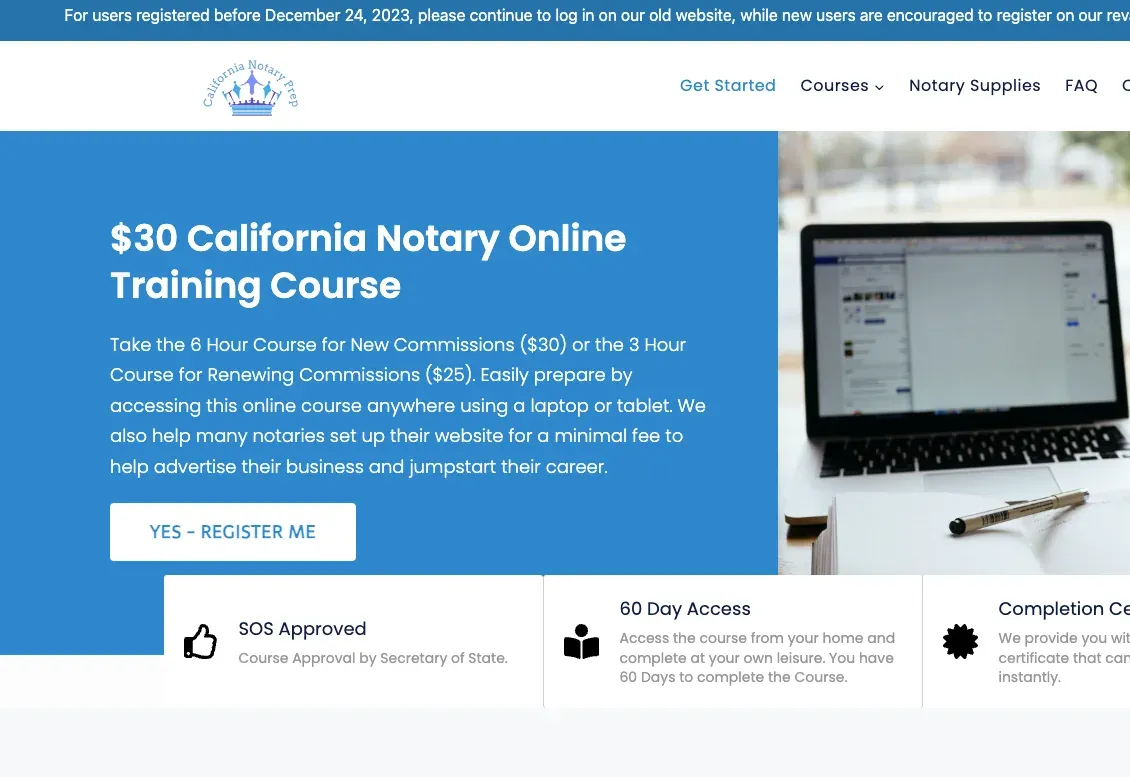
California Notary Prep website eLearning & LMS California Notary Prep Notary exam preparation courses, built on WordPress with LearnDash.
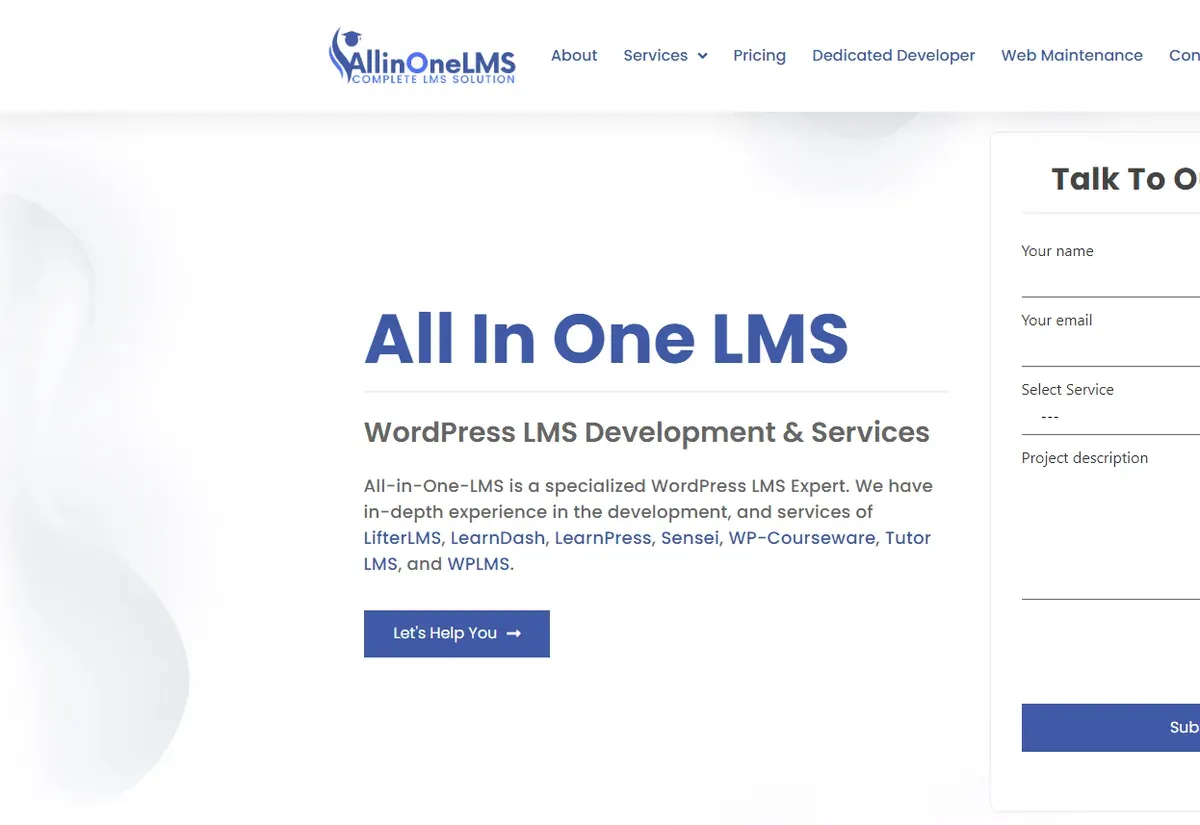
All In One LMS website eLearning & LMS All In One LMS
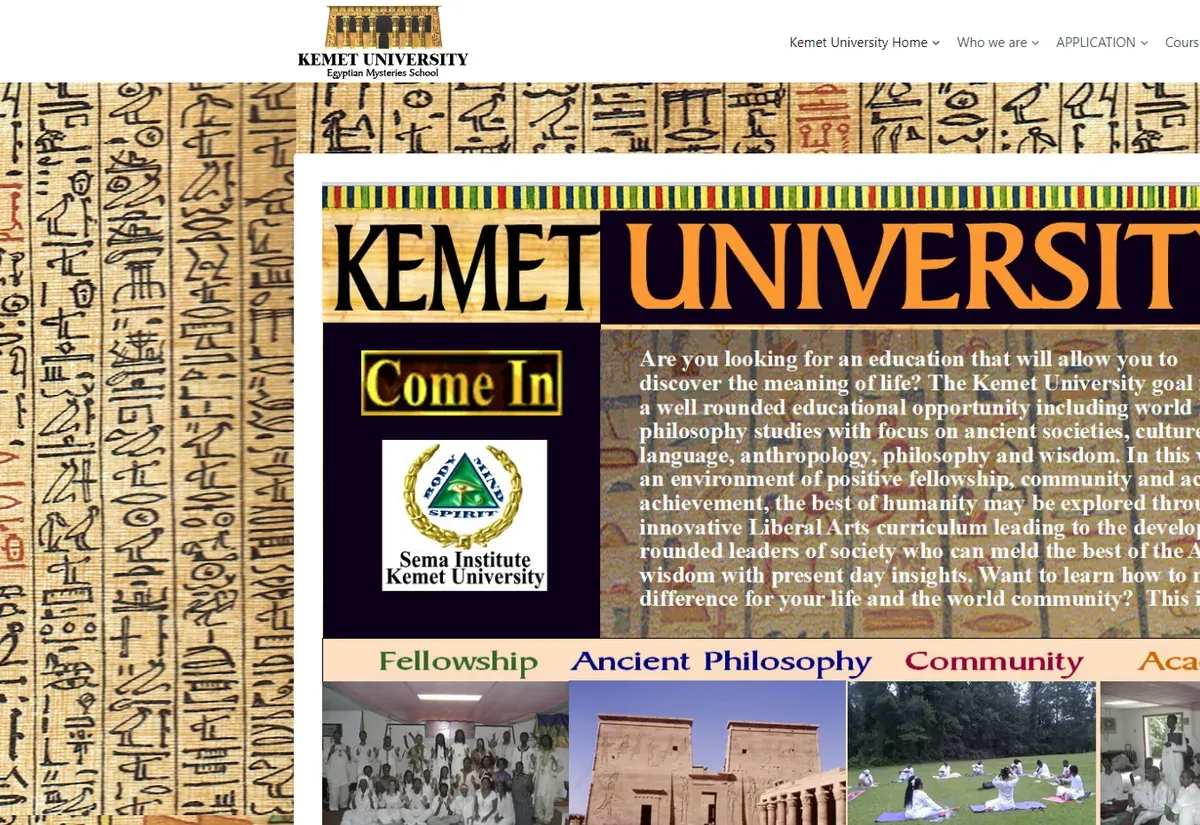
Kemet University website eLearning & LMS Kemet University
FAQ

Tutor LMS questions before you hire

Can Tutor LMS run a marketplace with hundreds of instructors?
Yes, with some engineering. The instructor role, earnings records and withdrawal requests are built in. At that scale you will want automated payouts, moderation queues, tiered commission and reports that do not slow the site, which is the custom layer we add.
Can commission be different for each instructor or course?
Yes. We override the default split with rules stored per instructor, per course or per product type, and we define how refunds, coupons and bundles are treated. Every sale keeps a record of the rule that was applied, so statements can be explained later.
Do we need Tutor LMS Pro for custom development?
Usually. Most marketplaces rely on features from the paid edition, such as certificates, reports and courses shared between several instructors, and we build on top of them. For a simple academy the free plugin plus a focused custom plugin can be enough. We tell you which before you buy anything.
Can you redesign the Tutor LMS dashboard without breaking updates?
Yes. We use template overrides in a child theme only where the markup has to change and hooks everywhere else. After each Tutor LMS release we compare the overridden templates on staging before the update reaches your live site.
How do Zoom or Google Meet classes fit into a course?
Live sessions can be scheduled as part of the curriculum, so learners join from the lesson page. We add what is often missing: reminders, attendance stored with learner progress, recordings linked back to the lesson and reports on who attended.
Can you move us from LearnDash or LearnPress to Tutor LMS?
Yes. We map courses, lessons, quizzes and question types, then move users, enrollments and progress with a script that is rehearsed on a copy of your site. Our WordPress migration page explains how we check the result.
Can we hire a developer for ongoing Tutor LMS work?
Yes. You can hire an LMS developer from our team part time or full time, managed by one of our project managers and working in the tools your team already uses.
Start a project

Planning a Tutor LMS marketplace or academy?

Describe your instructors, your sales model and what the current setup cannot do. You will hear from us within one business day with questions and a free quote.

  • Free consultation and quote
  • NDA on request
  • You own the source code
  • Reply within one business day
Add budget and timeline optional, helps us quote faster

This form is protected by reCAPTCHA and the Google Privacy Policy and Terms of Service apply.