WordPress LMS

MasterStudy LMS development that survives the next update

We customize the MasterStudy theme and LMS plugin, fix checkout and enrollment, connect the mobile app and speed up heavy demo-based sites, without editing files an update will overwrite.

  • Child theme, no core edits
  • 100+ mobile apps developed
  • Project manager on every job
What is included
  • Update-safe theme changes
  • Course player and account area
  • Checkout and bundles
  • Live lessons and streaming
  • Mobile app pairing
  • Performance cleanup
Get a free quote Reply within one business day. NDA on request.
The problem

Common trouble on MasterStudy sites

MasterStudy usually arrives as a package: the MasterStudy theme, the LMS plugin, a page builder and a demo that looks finished in an afternoon. That speed is why training companies and schools choose it. It is also why the first custom request is awkward, since a change might belong in the theme, in the LMS plugin, in a template the plugin lets you override, or in a JavaScript component that draws the course player.

We get called when somebody has already edited the wrong one and an update wiped it out, or when the site needs things the package does not include: a different checkout, company accounts, a custom lesson type, the mobile app showing the same catalog as the website. We sort out where each change should live and build it there.

  • Edits vanish after updates

    A developer changed files inside the theme or the LMS plugin. The next update replaced them, and now nobody dares to update at all, which leaves the site behind on fixes.

  • The course player is hard to change

    Lessons, quizzes and the account area are rendered by JavaScript components, so the usual trick of editing a PHP template does little. Small layout requests turn into long tickets.

  • Checkout does not match the business

    You want invoices, tax rules, bundles sold with other products or payment methods the built-in checkout lacks, and you are unsure whether to switch the plugin to WooCommerce mode.

  • Demo weight slows every page

    The imported demo brought sliders, icon fonts, page builder add-ons and bundled plugins you never use. Course pages load scripts for features that are switched off.

What we do

Where our MasterStudy work focuses

We work on both halves of the package, the theme and the LMS plugin, and on the app and integrations around them.

Update-safe theme changes

Design and layout changes moved into a child theme and a companion plugin, using template overrides and hooks, so theme and plugin updates can be applied again.

Course player and account area

Changes to the lesson screen, quiz flow, curriculum sidebar and student account, made through the supported template and script extension points instead of patched bundles.

Checkout and bundles

Built-in or WooCommerce checkout configured for your sales model, with course bundles, memberships, coupons, tax and invoices behaving the way finance expects.

Live lessons and streaming

Zoom meetings and live stream lessons scheduled inside courses, with reminders, access limited to enrolled learners and recordings added afterwards.

Mobile app pairing

The companion mobile app, or a custom Flutter app, connected to your site so catalog, purchases, progress and quiz results match on phone and web.

Performance cleanup

Unused demo assets and bundled plugins removed, scripts loaded only where needed, slow course and instructor queries fixed, and caching set up for logged-in learners.

Typical projects

MasterStudy work clients bring us

01

From demo to real brand

A demo-based site reworked to your identity: new course cards, header, catalog filters and lesson layout, all in a child theme so the parent theme keeps updating.

02

Points and rewards program

The point system extended with your own earning rules, redemption against courses, and a ledger an admin can audit, tied into purchases and completions.

03

Group and company enrollment

Managers buy seats, invite employees and follow completion from one screen, with reports per company and certificates that carry the client name.

04

Website and app released together

A course site and a matching mobile app with shared login, in-app lesson playback, push reminders and store submission handled for both platforms.

In depth

Customizing MasterStudy without losing updates

Four places a change can live

On a MasterStudy site a requirement can be met in the parent theme, a child theme, the LMS plugin templates or custom code in its own plugin. Only two of those are safe. We keep presentation in a child theme and behavior in a companion plugin, and we never touch the parent theme or the LMS plugin folder. The plugin loads its front-end templates from a folder that a child theme can override, which covers most layout work. For logic, such as who can enroll or what happens after a quiz, we attach to the actions and filters the plugin fires.

Working with a JavaScript course player

Much of the learner experience, including the lesson screen and parts of the account area, is drawn in the browser by JavaScript components (Vue, in the installs we work on) that read data from the plugin endpoints. That makes the player feel quick, and it changes how customization works. Editing a compiled script is the mistake we see most often, because the file is replaced on update. We add fields to the data the endpoint returns, mount our own small components beside the stock ones, or restyle with CSS when that is all a request needs. A design review up front sorts requests into those three groups, and the estimate follows from it.

Which checkout to use

MasterStudy can take payments itself or pass the cart to WooCommerce. The built-in route is lighter and fits a catalog of courses with simple prices. WooCommerce mode suits schools that also sell books or merchandise, need tax handling per region, or want subscriptions through an established extension. Switching later is possible but not free, since past orders, bundles and membership plans have to be reconciled. We help you choose once, and we test refunds and expired memberships as carefully as purchases.

Keeping web and app in step

The mobile app talks to the same site, so every custom rule on the web has an app-side consequence. A custom lesson type needs a screen in the app. A new enrollment rule has to be enforced by the API, not only by a hidden button. When a project includes the app we plan both together and involve our Flutter developers from the first sprint, including the store review steps for in-app purchases.

Trimming what the demo installed

Speed work on MasterStudy starts with an inventory, not a caching plugin. We list what the demo import added, measure which scripts and styles load on a course page, and remove or defer what is unused. Then we look at the database: course listings, instructor pages and the student dashboard are the queries worth indexing and caching.
Process

Our process for MasterStudy projects

  1. 1

    Site and update review

    We check theme, plugin and child theme state on a copy of your site, list any edited core files and tell you how far behind on updates you are.

  2. 2

    Plan where changes live

    Every requirement is assigned to a child theme template, a hook in a companion plugin, a script extension or the app, and quoted on that basis.

  3. 3

    Build and review

    Work is done on staging in milestones. You click through the course player, checkout and account area as a learner and as an instructor.

  4. 4

    Update and device testing

    We apply pending theme and plugin updates, retest, and check the lesson player on real phones and, if included, the app builds.

  5. 5

    Go live and support

    Deployment with a backup and rollback plan, a handover document, and optional monthly maintenance for updates and small changes.

Deliverables

What a MasterStudy project leaves you with

  • A site that can take theme and plugin updates again
  • A child theme and companion plugin holding every customization
  • A checkout tested for purchases, refunds and renewals
  • Web and mobile app showing the same catalog and progress
  • A lighter site with the unused demo parts removed

Related work from our portfolio

Full portfolio
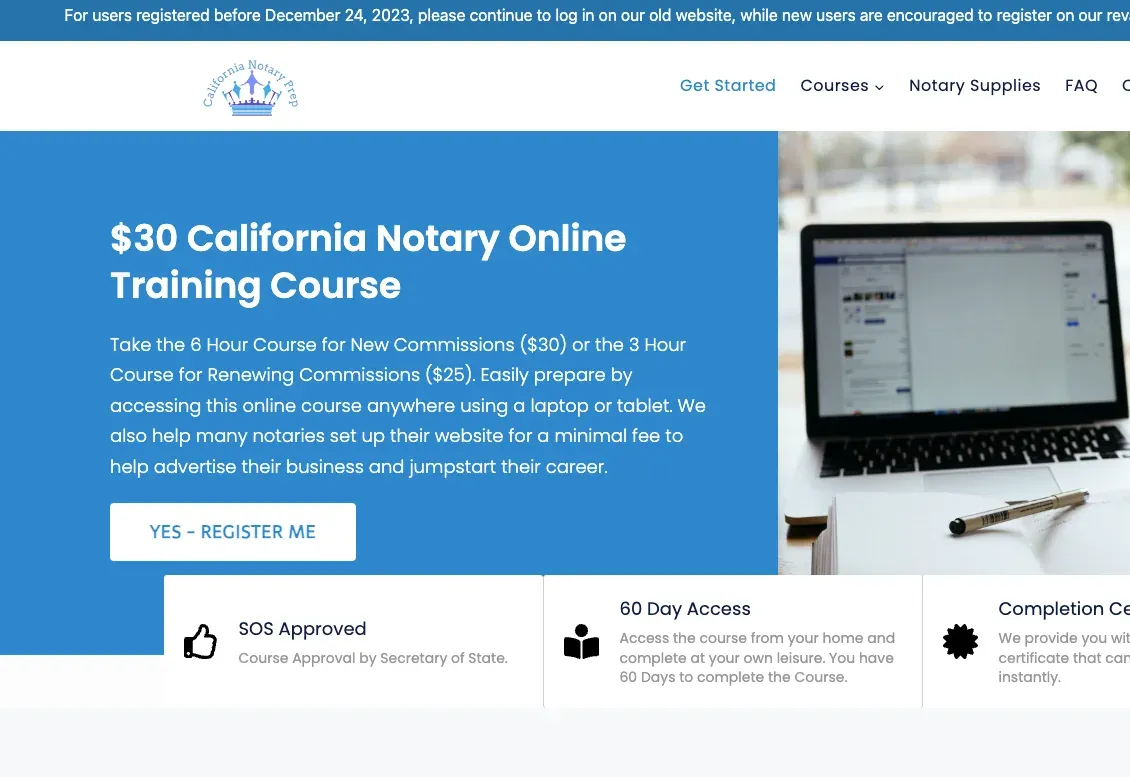
California Notary Prep website eLearning & LMS California Notary Prep Notary exam preparation courses, built on WordPress with LearnDash.
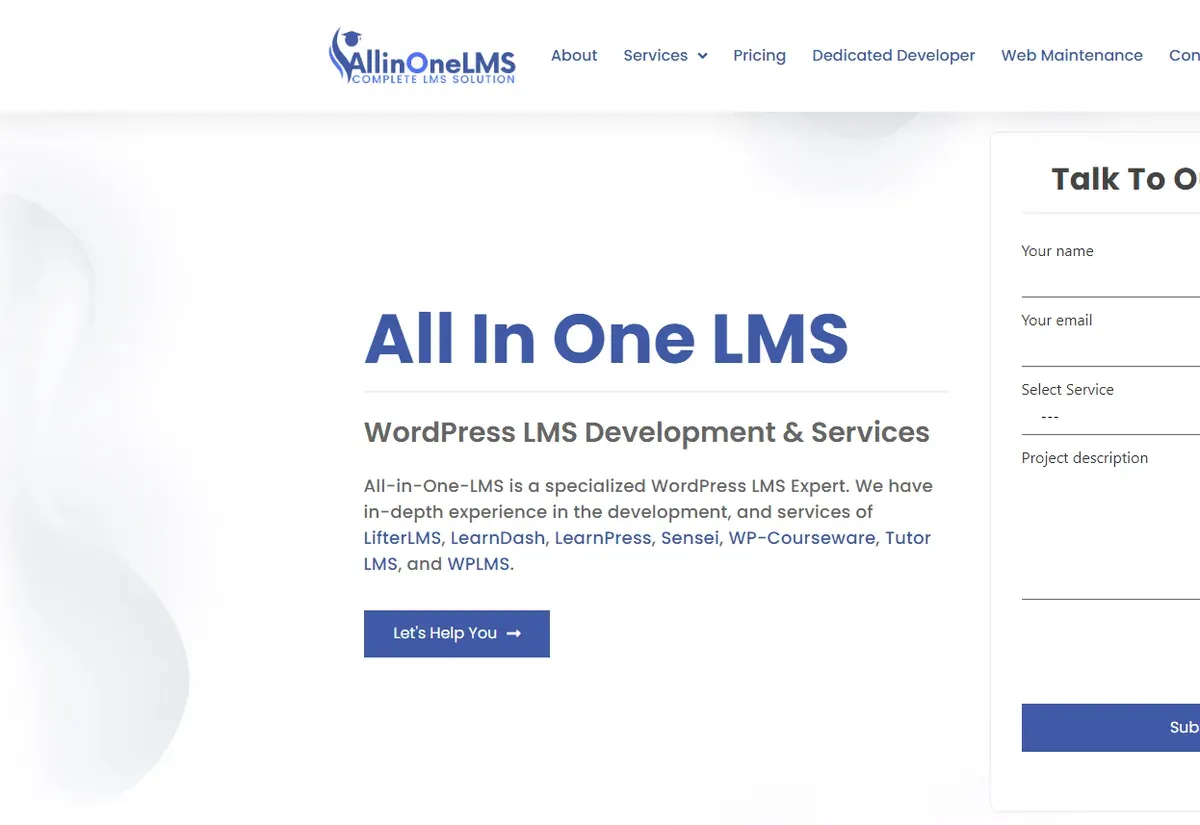
All In One LMS website eLearning & LMS All In One LMS
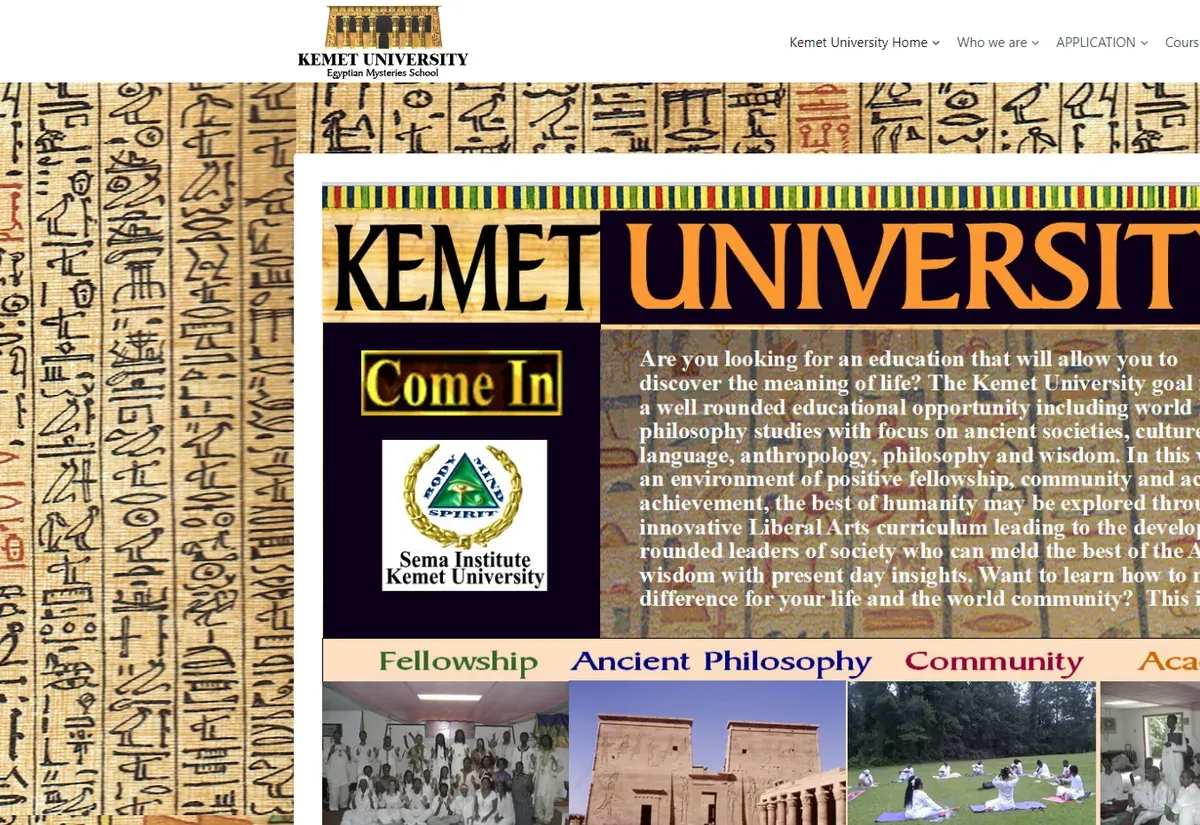
Kemet University website eLearning & LMS Kemet University
FAQ

MasterStudy LMS questions and answers

Can you customize MasterStudy if previous developers edited the theme files?
Yes. We compare your theme and plugin folders with clean copies, extract every edit, and rebuild the ones you still need in a child theme or a companion plugin. After that the site can be updated normally again.
Do we have to use the MasterStudy theme with the LMS plugin?
No. The LMS plugin works with other themes, and some clients ask us to pair it with a lighter custom theme. The MasterStudy theme gives you matching demos and styling out of the box, so the choice comes down to how much of that you use.
Should we use the built-in MasterStudy checkout or WooCommerce?
Use the built-in checkout when you sell only courses at simple prices. Choose WooCommerce when you need physical products, detailed tax rules, a wider choice of gateways or subscription extensions. We review your catalog and accounting needs and recommend one before any payment setup begins.
Can you set up or customize the MasterStudy mobile app?
Yes. We configure and brand the companion app, add screens for custom features and publish it to the app stores. If you need more than the stock app offers we build a custom one, as described on our mobile app development page.
Why is our MasterStudy site slow, and can it be fixed without a rebuild?
In most cases it can. The usual causes are demo assets loading everywhere, bundled plugins nobody uses and uncached course queries. We measure first, remove what is not needed and add caching that is safe for logged-in learners.
Will you maintain the MasterStudy site after the project?
If you want us to. A monthly plan covers theme, plugin and WordPress updates tested on staging, backups, monitoring and a block of development time. Details are on the WordPress maintenance page.
Start a project

Need changes to a MasterStudy site?

Send us the site address and the list of changes or problems. We will review the theme and plugin setup and come back within one business day with a plan and a free quote.

  • Free consultation and quote
  • NDA on request
  • You own the source code
  • Reply within one business day
Add budget and timeline optional, helps us quote faster

This form is protected by reCAPTCHA and the Google Privacy Policy and Terms of Service apply.